CREATE
What are we making today?
Choose how you want to start your shoot.
New product
Photograph something Pixo hasn’t seen yet.
Add its photos, then direct the shoot.
Product set
Use one setup across several finished products.
For catalogues, collections or products shot together.
0 of 2 products readyFinish 2 products to unlock.
What are we creating?
Choose the category that best matches your product.
Add your product
Start with a few product photos. You can add more details next.
Front photo first. Then add every angle and close-up you have — more sides, better geometry. Everything saves to your library.
ESTIMATED QUALITYLow0 / 100
LowFairGoodExcellent
Autosaved
How should we show it?
Choose up to 3 setups — each becomes its own set of photos.
Apparel sells best worn. I'd put this on a model — but every option below works.
Set the scene
Choose the environment Pixo will build around your product.
A look is the light, surfaces and colour grade Pixo builds your set from. Your product is photographed fresh inside it — never dropped into someone else's photo.
RECOMMENDED
ALL LOOKSevery other set Pixo can build
Plan your shots
Start with Pixo’s pick, then add the angles a shopper would ask for — front, side, back and one close-up.
Everything's set
One last look. Tap anything to change it — nothing locks until you press Shoot.
THE SETUP
THE SHOT LIST
THE ORDER
Shots that come out wrong can be reported for refund review.
THE BRANDING PASS
Put your name on it.
Add the shot to brandAny finished photo — from a shoot or your library.
Tap to upload.
Tap to upload.
1THE MATERIALS
2HOW IT'S APPLIED
Pixo suggests: a clean left-chest screen print — the safe, versatile default.
◆ 1 · 1 TOKEN
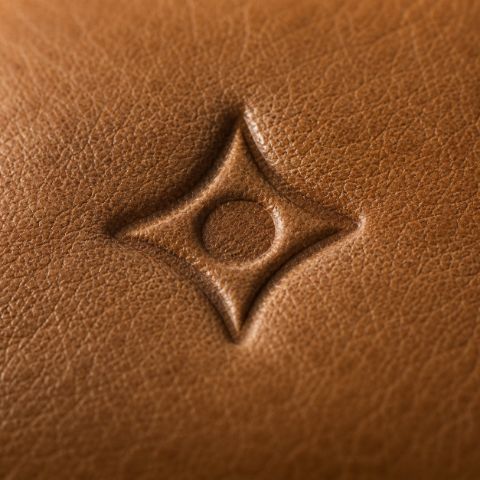
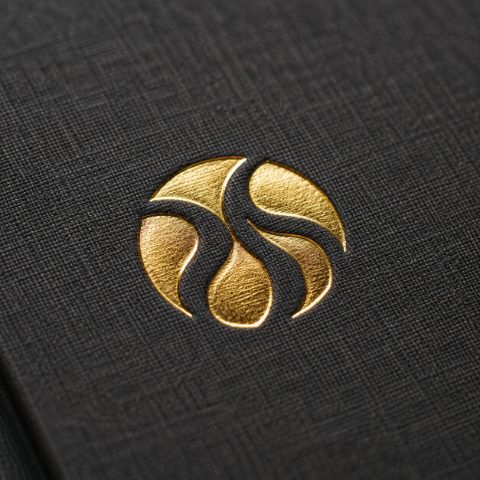
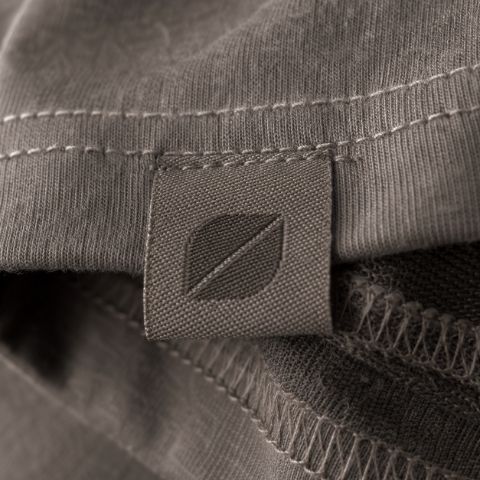
Naturalised into the material — stitched, pressed or printed. Never pasted on.
MY LIBRARY
Your products, ready to shoot.
Everything you add or import is saved here — shoot any of them again in two taps.
THAT'S A WRAP
Your photos are developed.
Call sheet
Keep the set running
Same staging, look and shots on your next product — a consistent catalogue in one tap.
TOKENS & PLANS
One token. One photo.
No hidden multipliers — what you see on the quality bar is what you spend.
AVAILABLE BALANCE
0 tokensThat's 0 publish-ready photos. One token = one finished photo.


HOW A SHOOT IS PRICED
1Hero shot
One product, staged and lit — a full publish-ready photo.
One product, staged and lit — a full publish-ready photo.
+1Extra shot
Another pose or angle of the same setup.
Another pose or angle of the same setup.
+1Library product
A saved product added into the same frame.
A saved product added into the same frame.
+1Logo pass
Your logo placed onto a finished photo.
Your logo placed onto a finished photo.
ONE-TIME PACKS — NEVER EXPIRE
AUTO TOP-UP
Never stall mid-shoot
When your balance drops below 10, add a Studio pack (200 ◆ · ) automatically.
When your balance drops below 10, add a Studio pack (200 ◆ · ) automatically.
Packs never expire
One-time tokens stay yours; plan tokens roll over.
One-time tokens stay yours; plan tokens roll over.
Scored before you spend
The quality bar flags problems before a token is used.
The quality bar flags problems before a token is used.
Refundable misses
A shoot that fails review puts its tokens back.
A shoot that fails review puts its tokens back.
Demo — purchases credit instantly; production wires Stripe + the token ledger.
THE SHOP · COMING SOON
Better inputs. Better outputs.
Great shoots start with great product photos. Curated gear that gives the engine exactly what it needs.
3×
More accurate
5+
Angle support
◆
Token guarantee
MOST POPULAR$89FREE SHIPPING
Studio Light BoxProfessional flat-lay lighting, anywhere.
A foldable box with built-in daylight LEDs — consistent, shadow-free light on every intake photo. The single biggest upgrade to your quality score.
- Built-in 5500K daylight LEDs
- Folds flat in 30 seconds
- Syncs with our quality scoring
$29SET OF 4
Backdrop SetFour studio-grade neutral backgrounds.
White, grey, charcoal and kraft — the backdrops real studios use. Clean backgrounds let the engine focus on your product.
- Wrinkle-resistant matte finish
- 60 × 60 cm — fits the light box
- Washable & reusable
$49FULL KIT
Lighting Accessory KitPortable panels, diffusers and clamps.
Two portable LED panels, a soft diffuser and clamp stands — fill shadows, add rim light, or shoot larger products.
- 2× USB LED panels
- Diffuser kills harsh shadows
- Pairs with the Light Box
$9FREE WITH ANY ORDER
Photography GuideMaster your intake photos in an afternoon.
A printed, step-by-step guide to lighting, angles and background prep — everything the quality scorer rewards.
- Covers all 5 upload angles
- Category-specific tips
- QR links to video walkthroughs
How this connects to your shoots
Every product you upload is scored live. A light box, more angles and a clean backdrop push your score from Fair → Excellent — the difference between a decent photo and a professional one.
Every product you upload is scored live. A light box, more angles and a clean backdrop push your score from Fair → Excellent — the difference between a decent photo and a professional one.
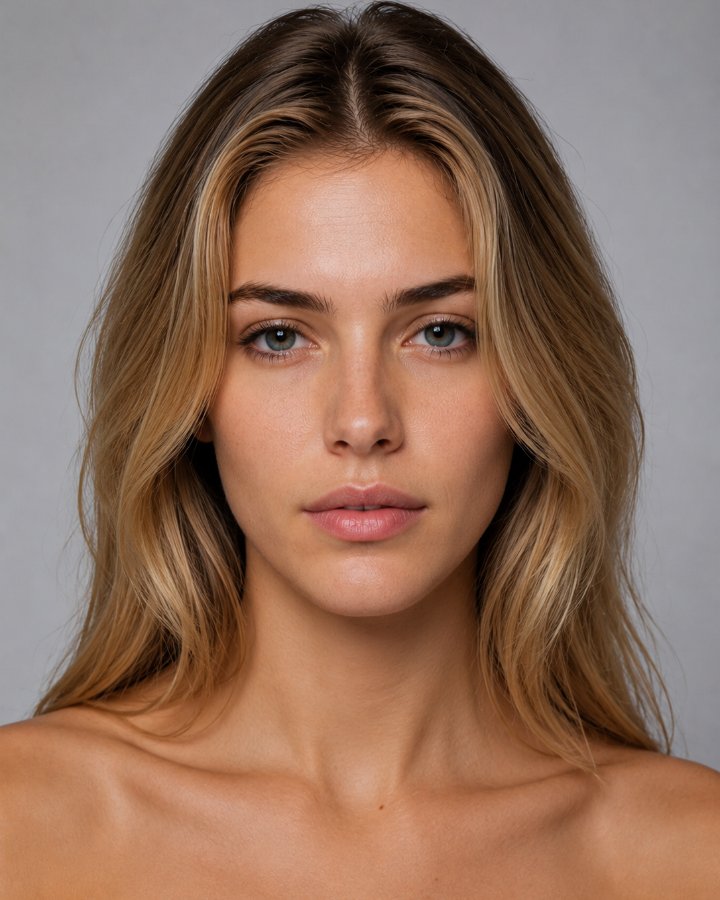
THE PIXO CAST
Models made for your product.
A diverse, built-in cast — free to use, and yours to tune.
GALLERY
Made with Pixo.
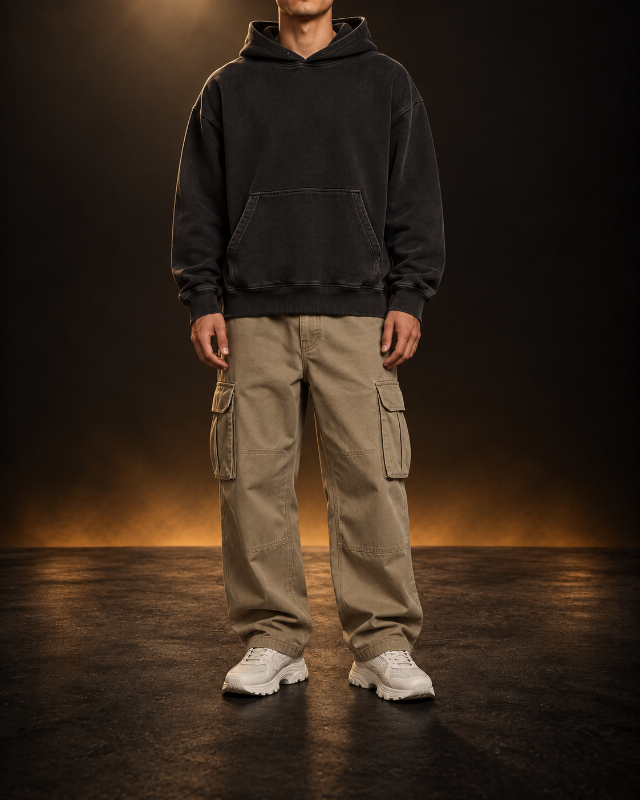
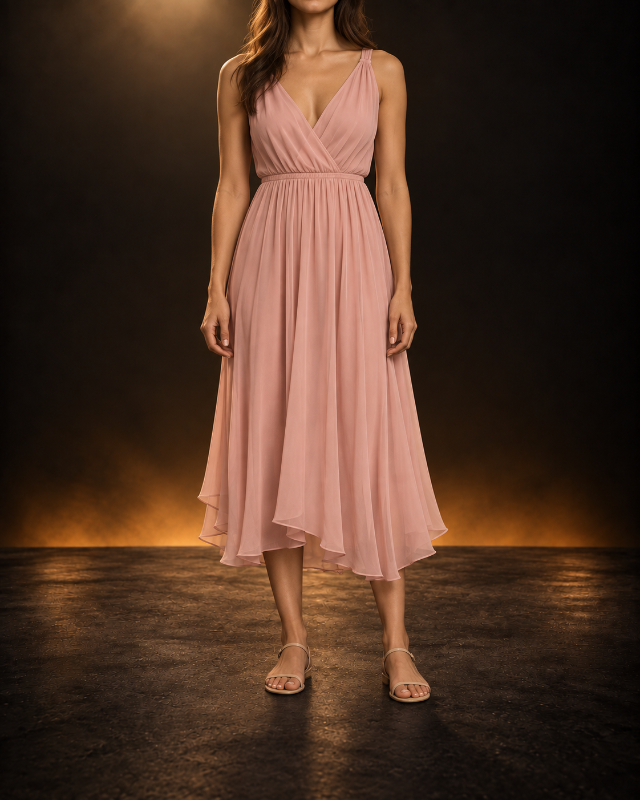
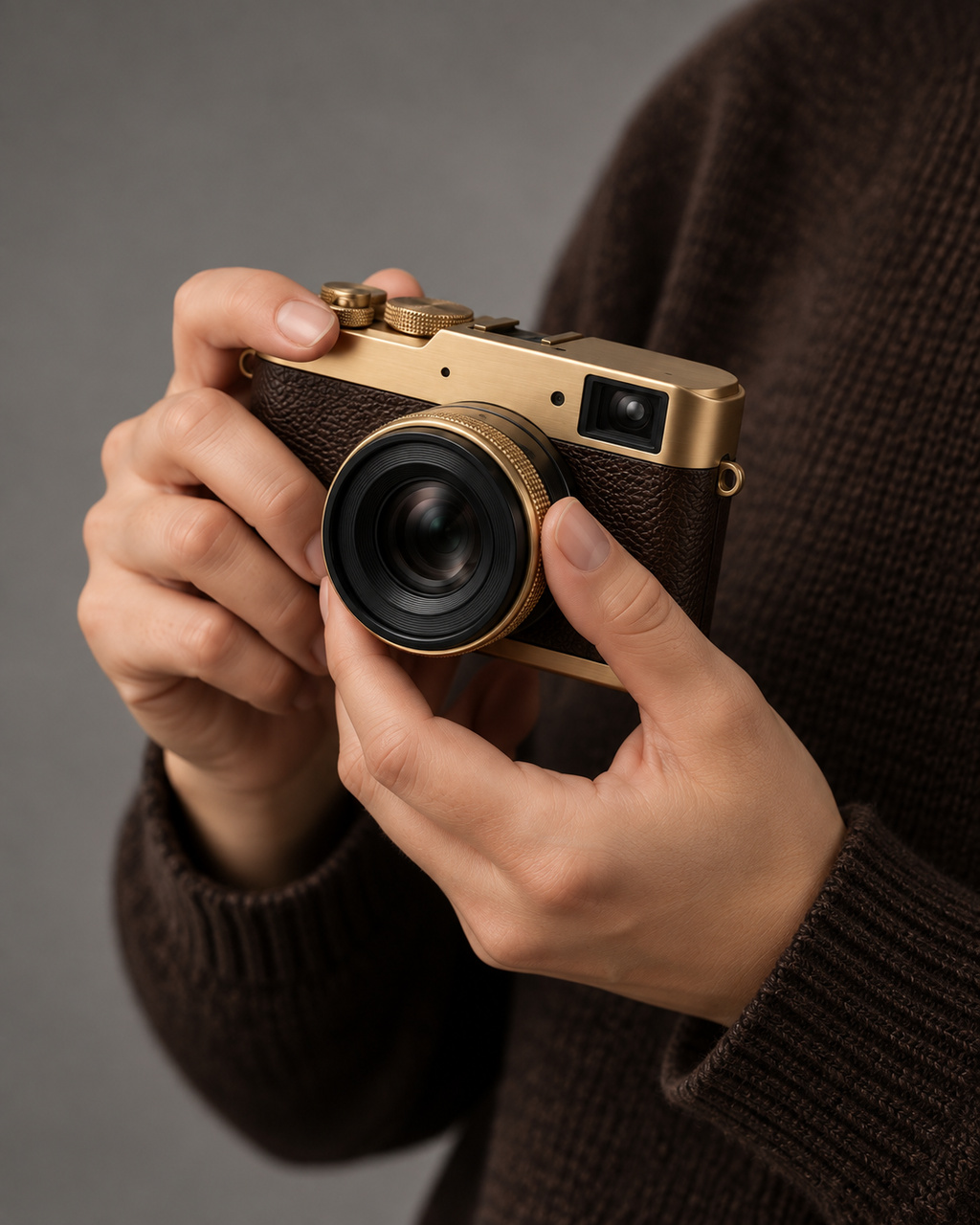
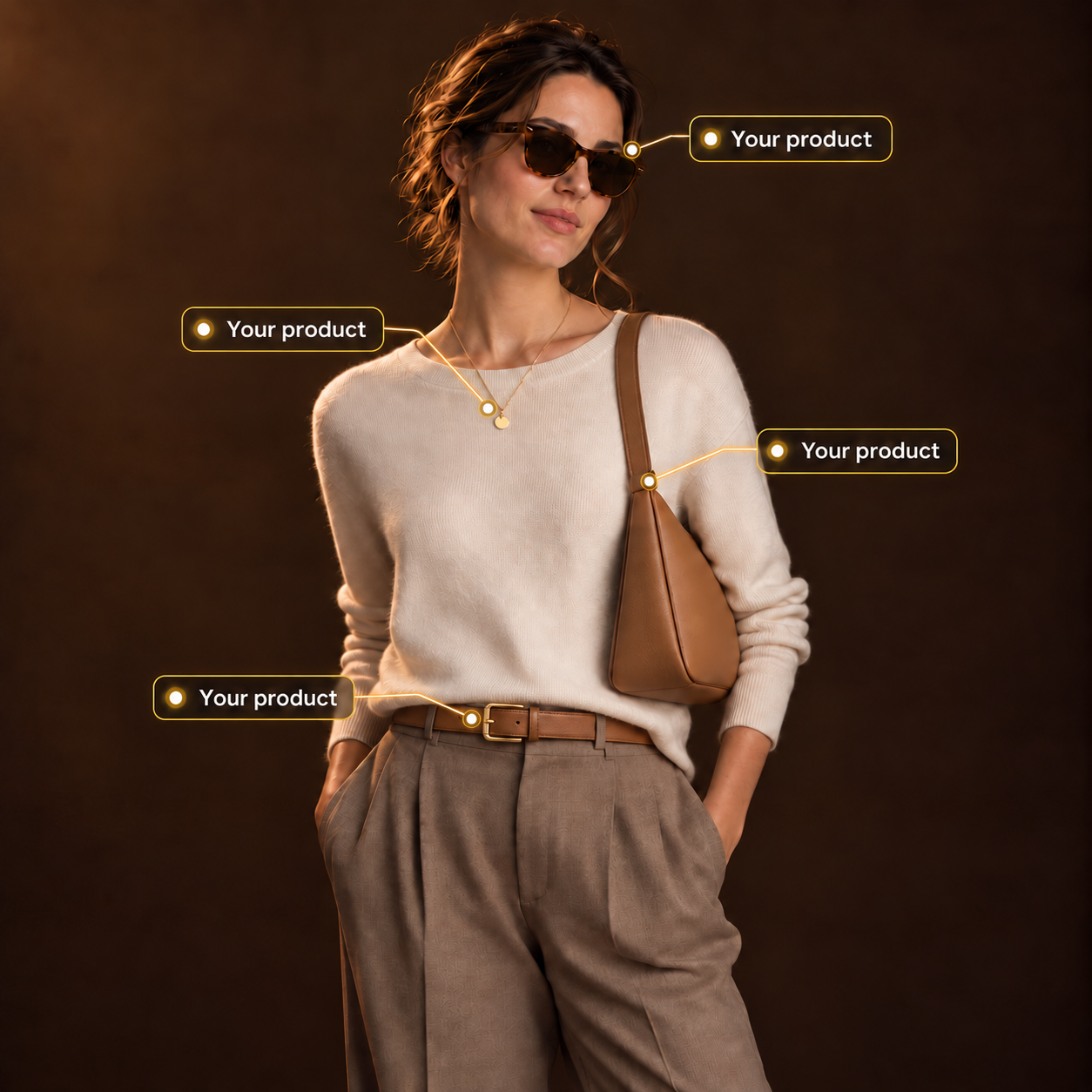
Real shoots — every photo started as a plain product shot.
Take your products to the next level now!
5 free photos when you sign up
HELP CENTER
How can we help?
The essentials on photoshoots, recipes, models and tokens.
Popular questions
Pixo is your studio companion — the little lens-moon who guides you from your first photo to the finished set. Ask Pixo anything on any step: he knows what you’ve picked so far and can make a change for you, but only when you click “Do it”.
A photoshoot is a setup you define once — staging, look, lighting and shots. Run any product through it and every result shares that exact look. Save it as a recipe and your whole catalogue stays consistent.
1 token = 1 photo, always. Your hero shot is one token; each extra pose, library product in the frame or logo pass adds one. Packs never expire.
Yes. Every model is photorealistic and fully cleared for commercial use — no model releases, no usage rights to chase. Publish the images anywhere.
On the review screen, save your setup as a recipe — one click replays it on the next product. Brand presets do the same for your logo: same mark, same spot, every photo. That's how a 40-product catalogue gets one consistent look.
All of them. Apparel, footwear and accessories — but also tech, beauty, homeware, food and more. Anything you want presented professionally, with a human touch.
Upload a clean front photo, another angle and a close-up of the texture. The live quality bar on the product page scores your inputs before a single token is spent. If your score is 76 or more and a photo still misses, report it within 14 days and we refund its tokens.
 PIXO
PIXO
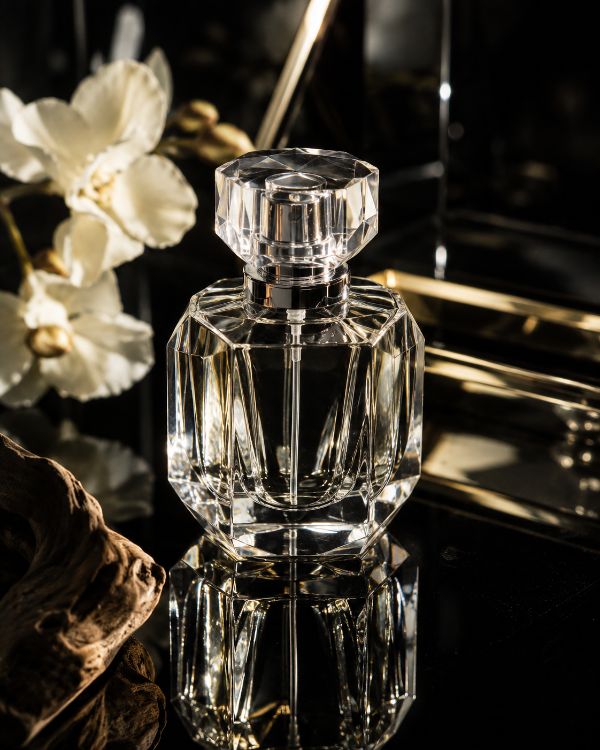
 Beauty
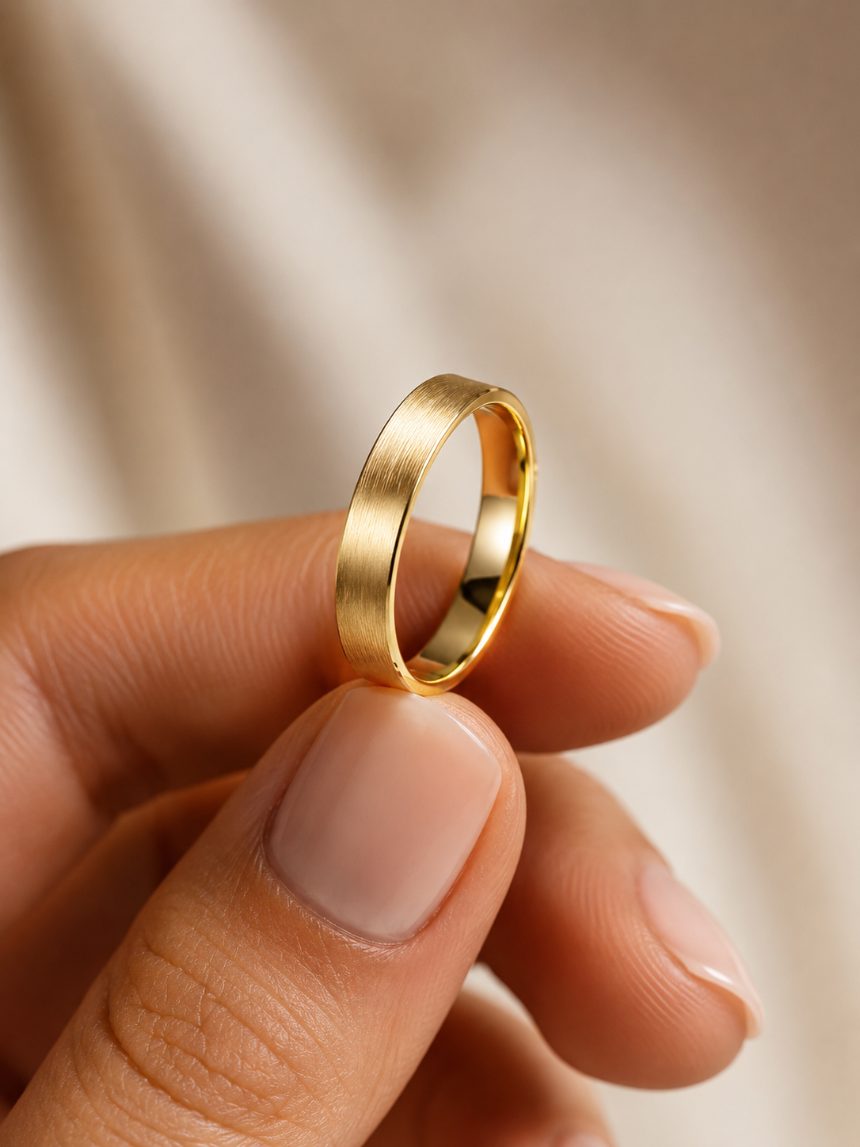 Jewellery
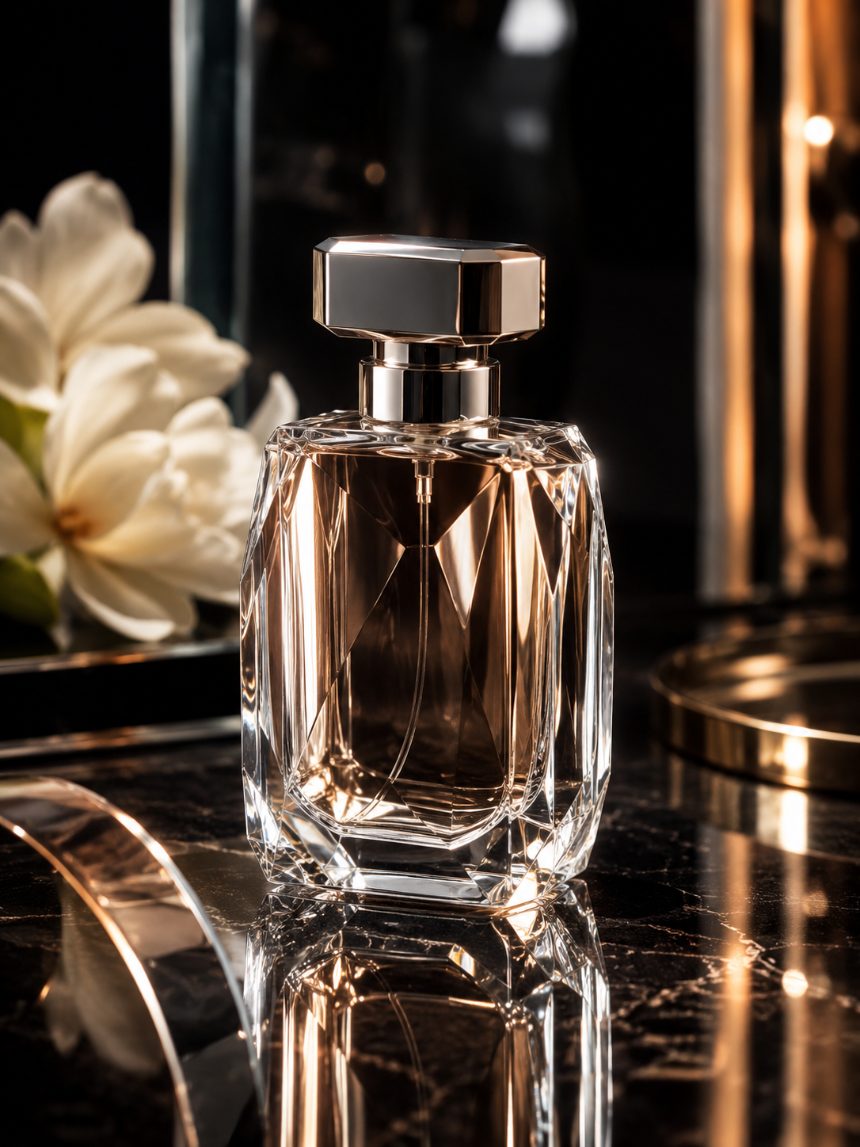 Fragrance
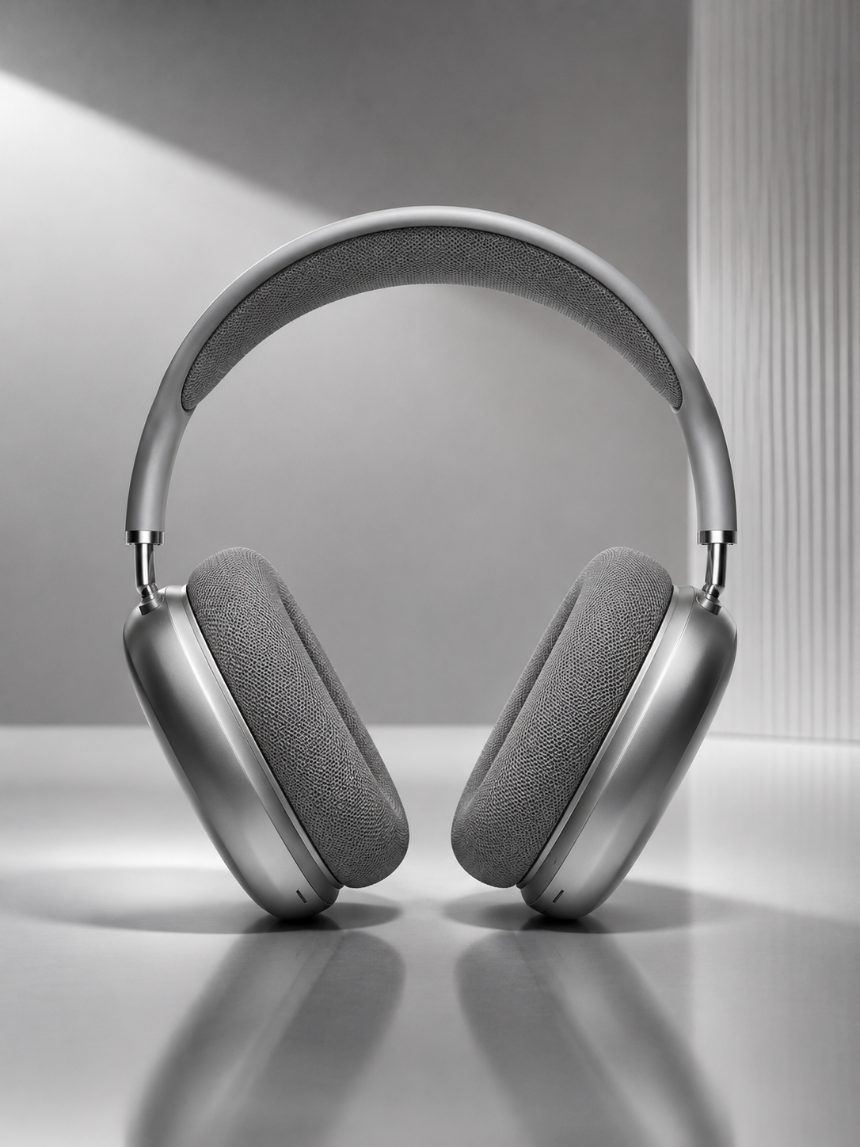 Tech
Tech Accessories
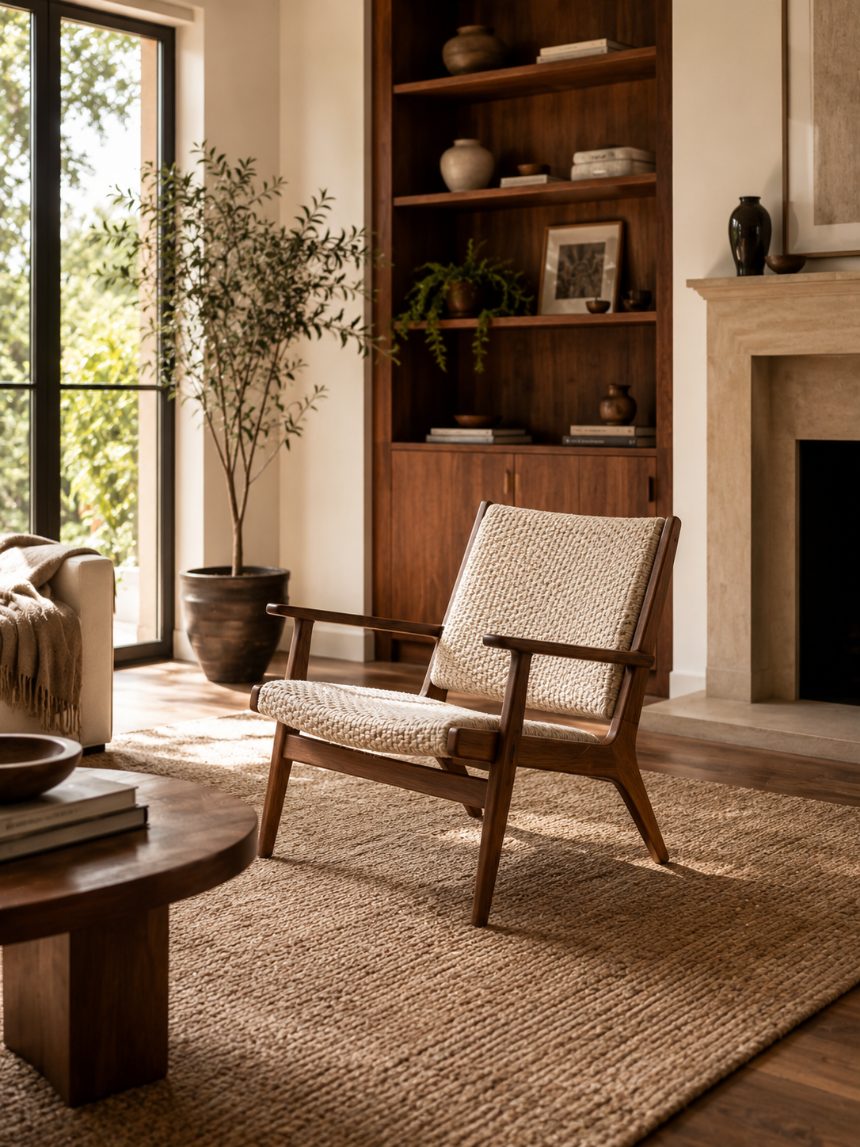 Home & living
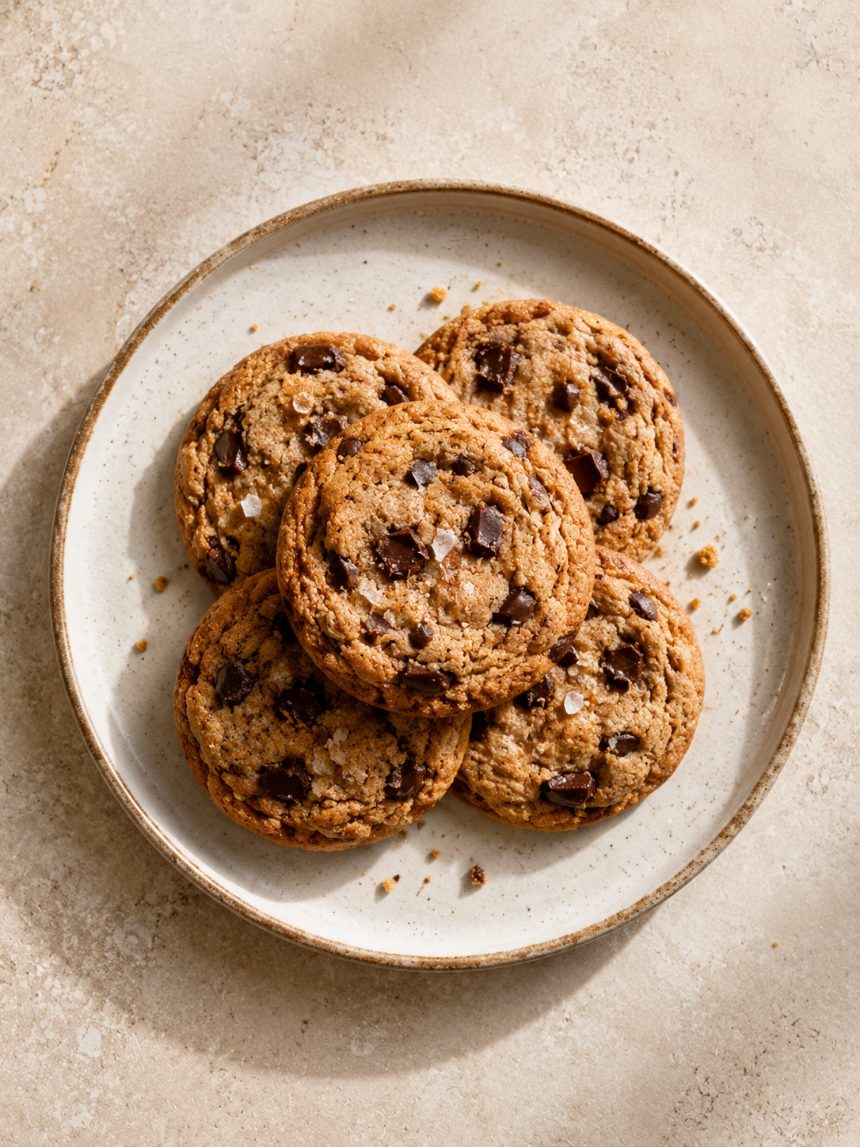 Food & drink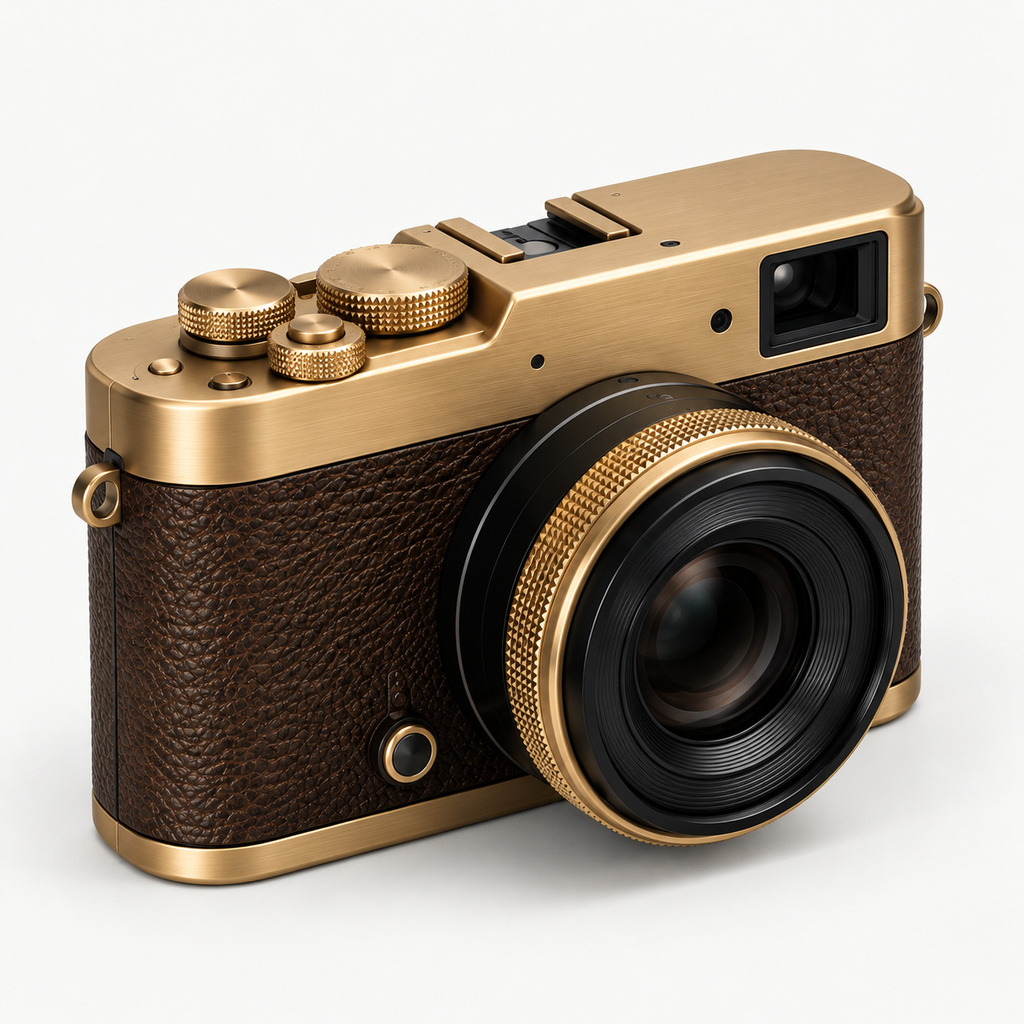
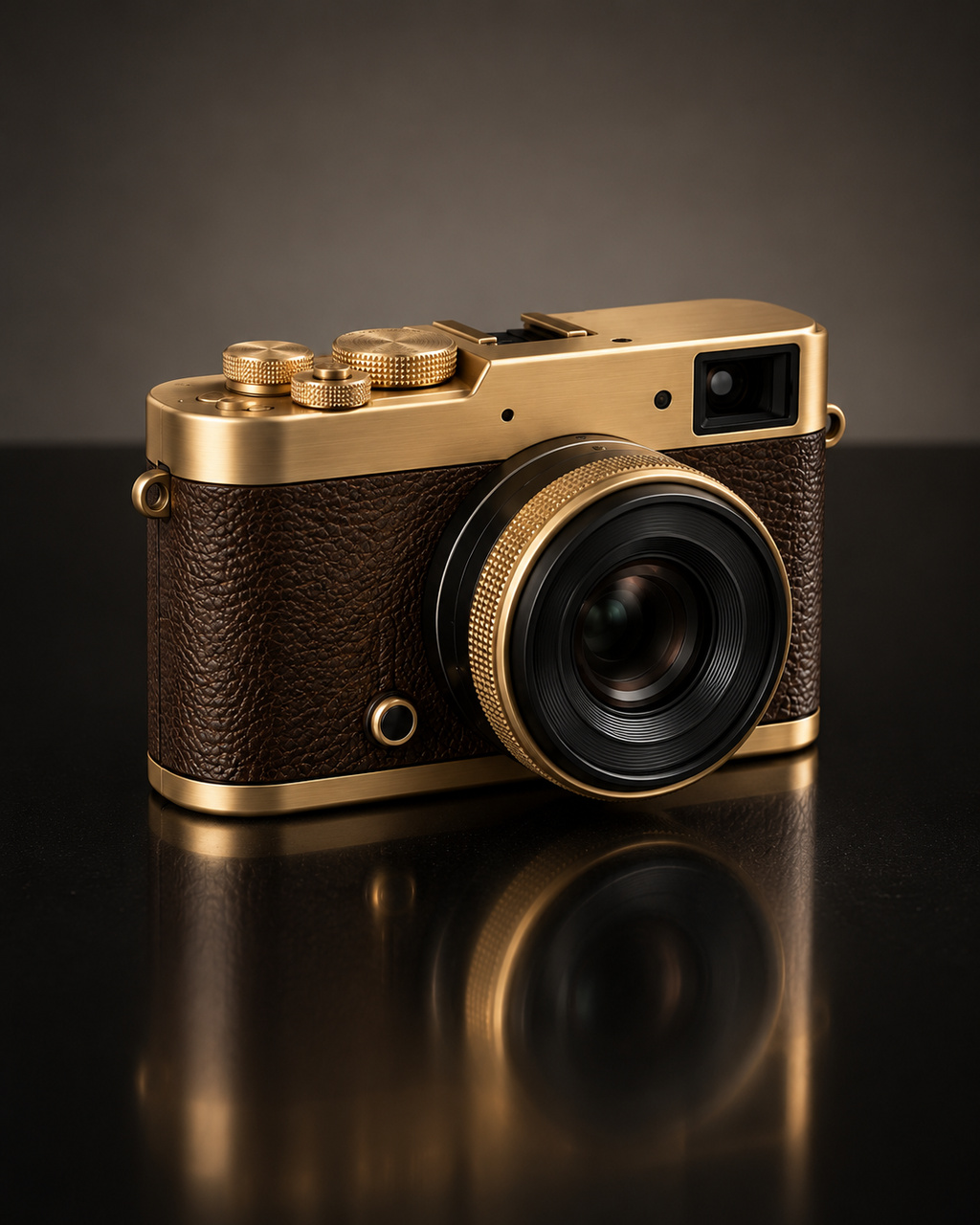


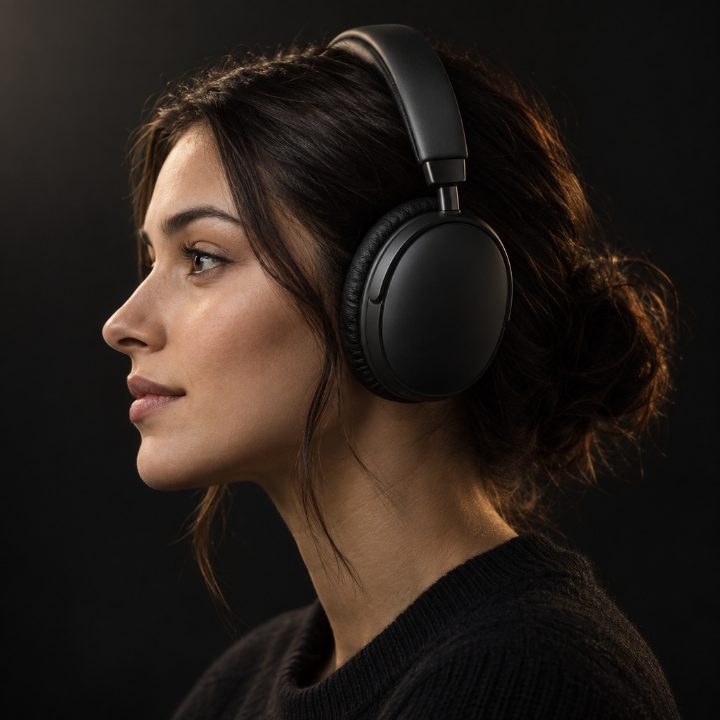 Studio headphones
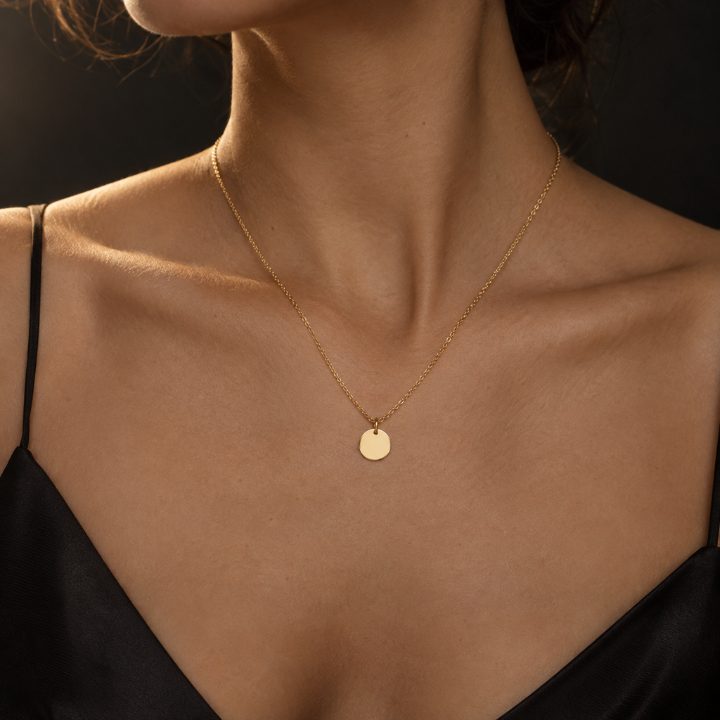 Coin necklace