Gold medallion necklace
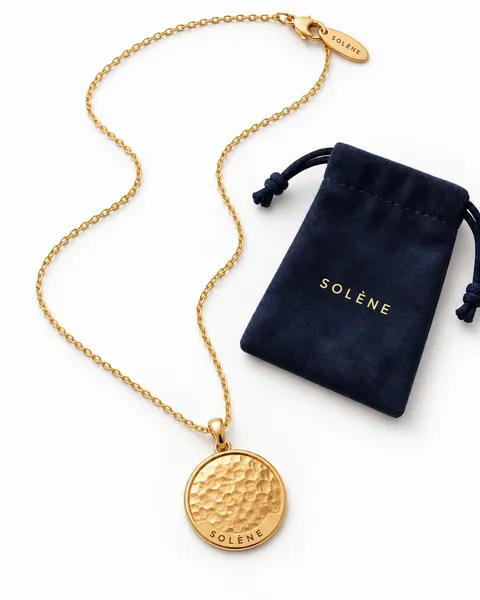
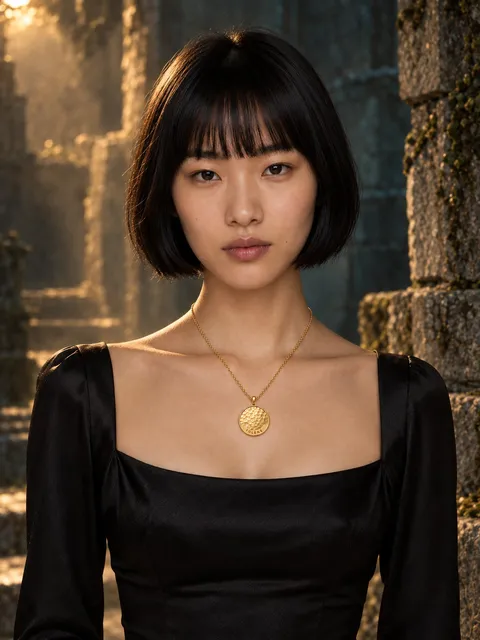 AI-generated
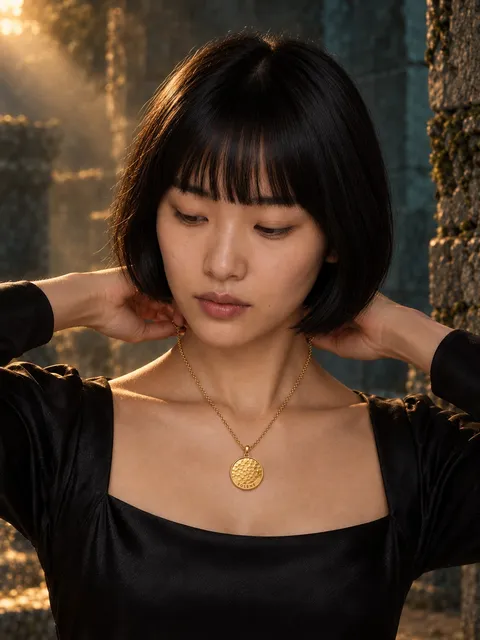 AI-generated
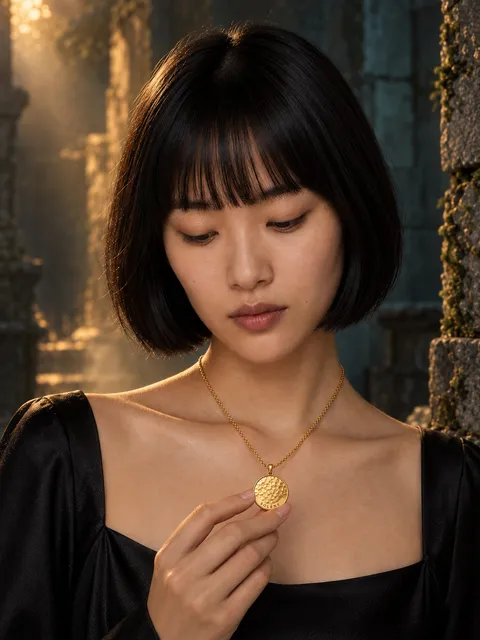 AI-generated
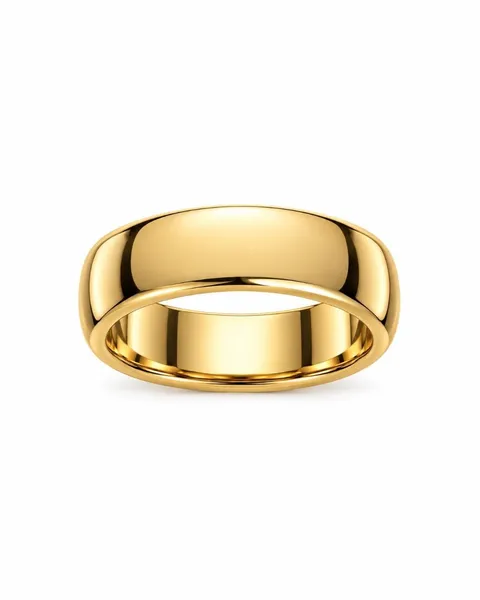
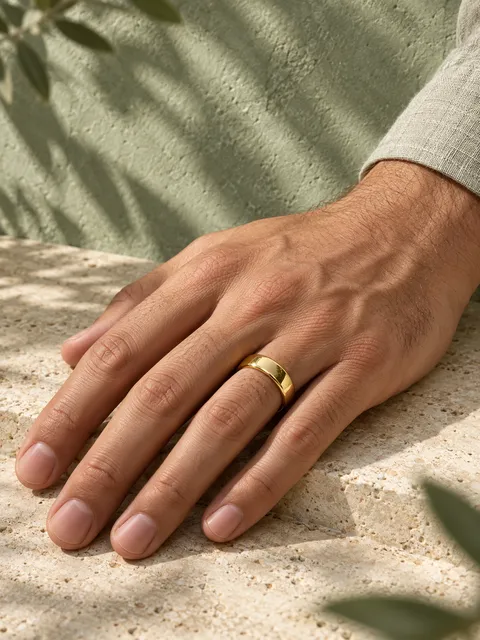
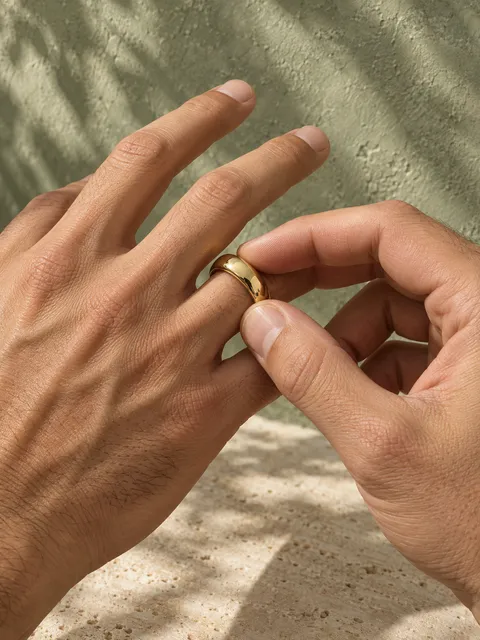
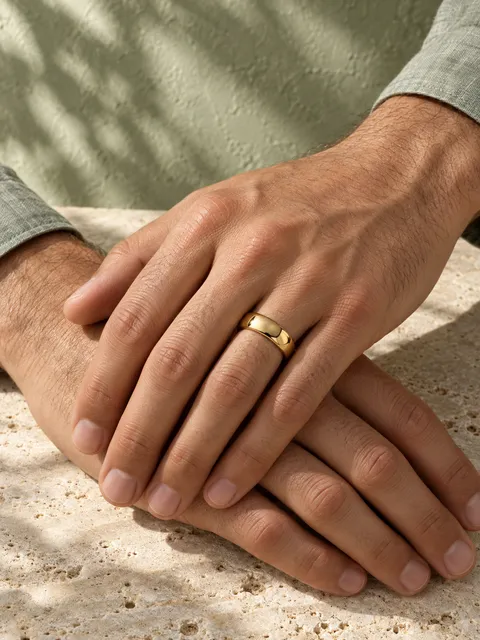
One photo of your ring, necklace or earrings becomes a full studio set: on a plinth, in hand, on a model, in macro.
 AI-generated
 AI-generated
 AI-generatedAI-generatedAI-generatedAI-generated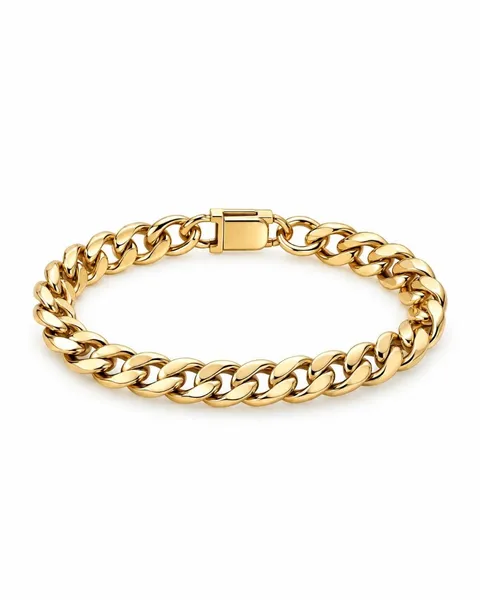
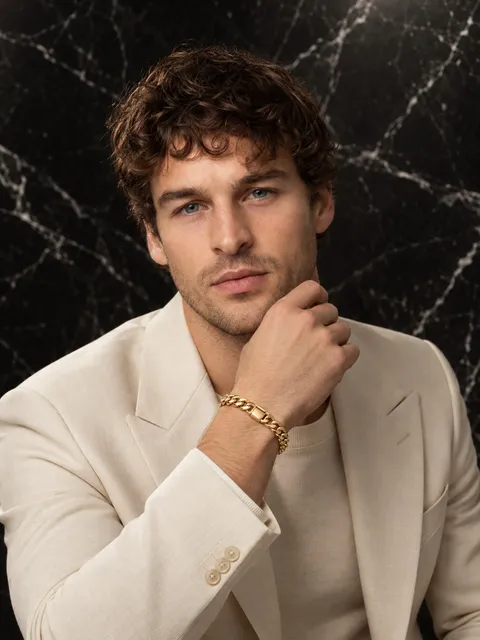 AI-generated
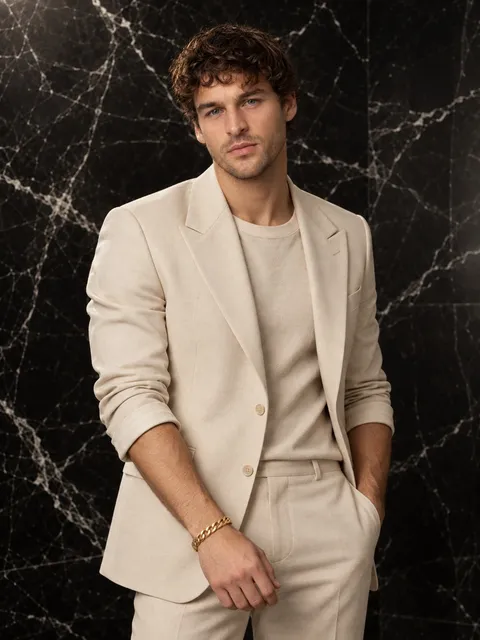 AI-generated
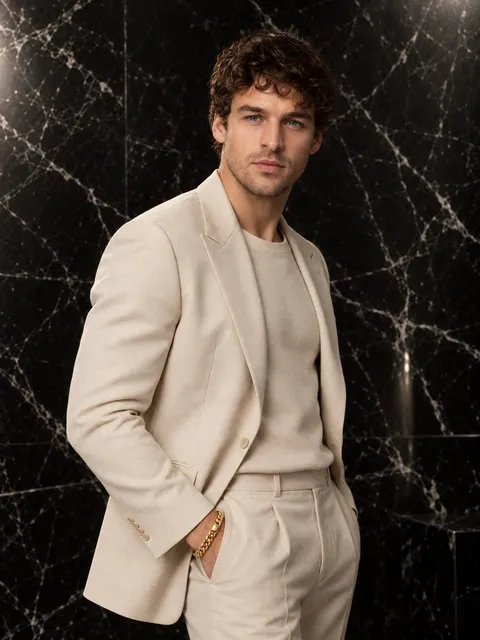 AI-generated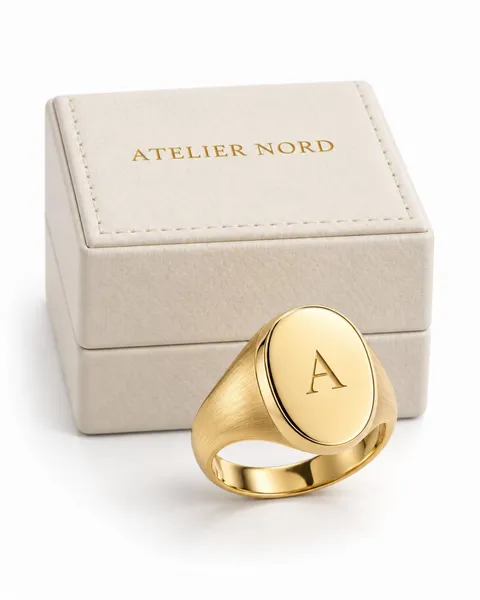
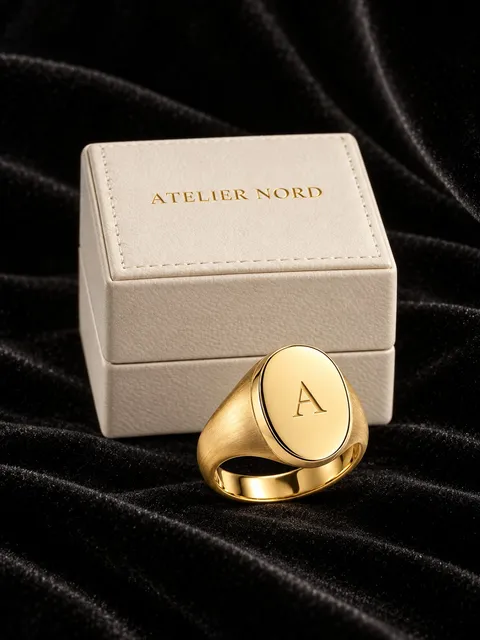 AI-generated
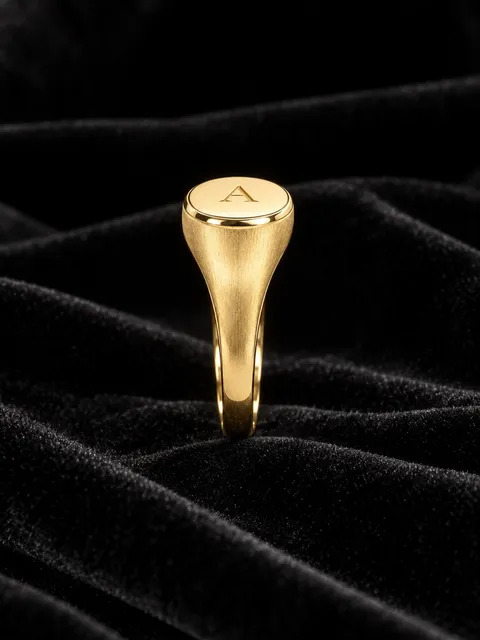 AI-generated
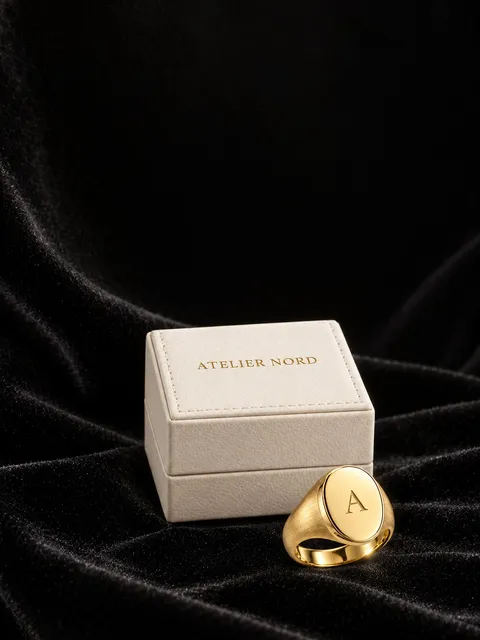 AI-generated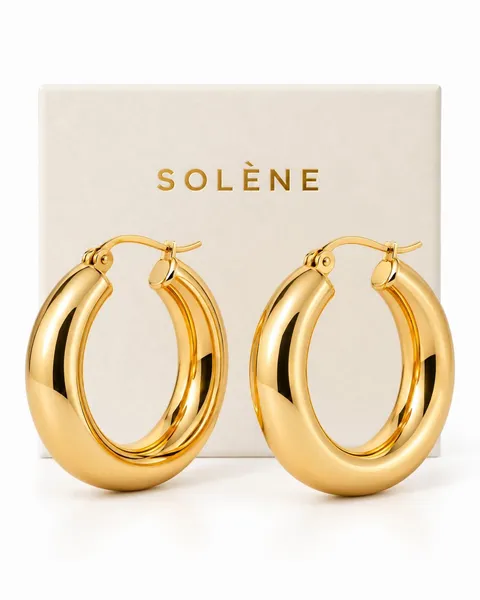
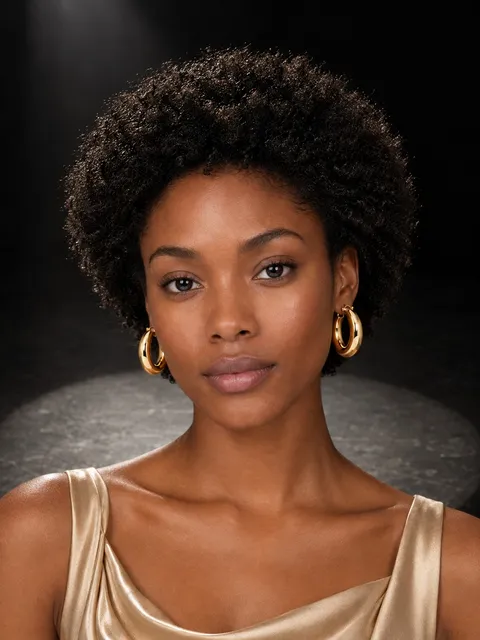 AI-generated
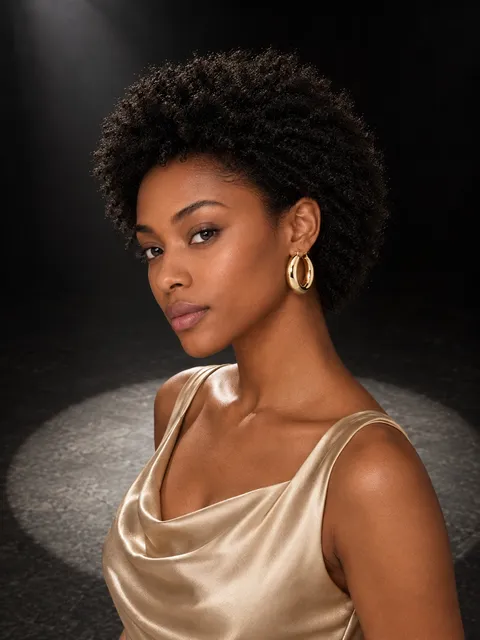 AI-generated
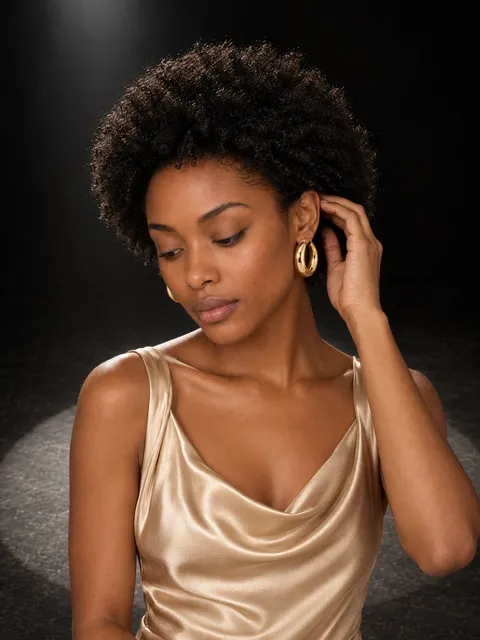 AI-generated
Hands belong to a visible arm and hold the piece the way a person would.
Upload, import or use your phone.
Pixo picks it all. Change anything.
Ready for your store, ads and socials.
3 free photos when you sign up. Failed photos are never charged. No subscription.
A sharp front photo matters most — it’s the foundation of every shot. If you can, add another angle and a close-up of the material or texture (up to 12 angles and 6 close-ups).
JPEG, PNG, WebP or HEIC, up to 25 MB per photo.
Yes. Re-shoot the photo with a short note on what to change. A re-shoot costs the same as a new photo.
If your brief scored 76 or more, you can report the photo for a refund instead.
Yes. The models are AI-generated, not real people, so there are no model releases or agency fees: use the photos in your shop, ads and social posts.
Good to know: AI images may not be protected by copyright, and they aren’t exclusive to you.
Taster 10 tokens CHF 7.90 · Roll 50 CHF 33 · Studio 200 CHF 120 · Atelier 600 CHF 315, VAT included where we charge it. Outside Switzerland, the Tokens page shows the price in your currency. You can also buy an exact number of tokens.
Your first purchase within 72 hours of creating your account gets +20% tokens, once per person. No subscription, and the tokens you buy don’t expire while your account is open.