Stoneware mug

 AI-generated
 AI-generated
 AI-generated
Five simple rules for the photo you take. Pixo does the studio part.
Use daylight from a window. No flash.
Put the product on a plain, light surface.
Take four angles: front, side, back and a close-up.
Fill the frame with the product and keep it sharp.
No filters or edits: Pixo needs the real colours.
Scan the QR code in the app with your phone. It walks you through the four angles, and the photos land in your shoot.
AI-generatedAI-generatedAI-generated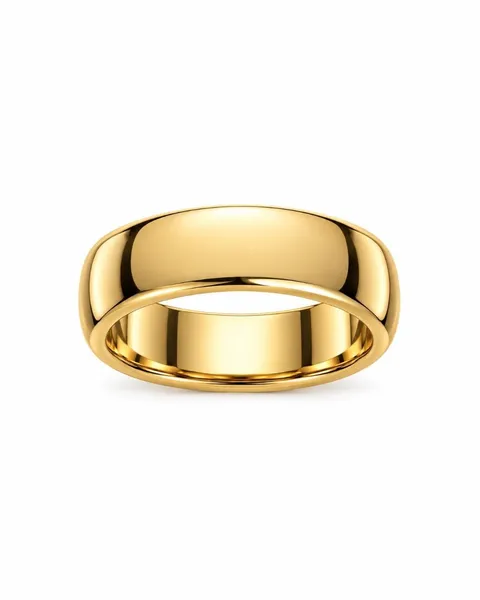
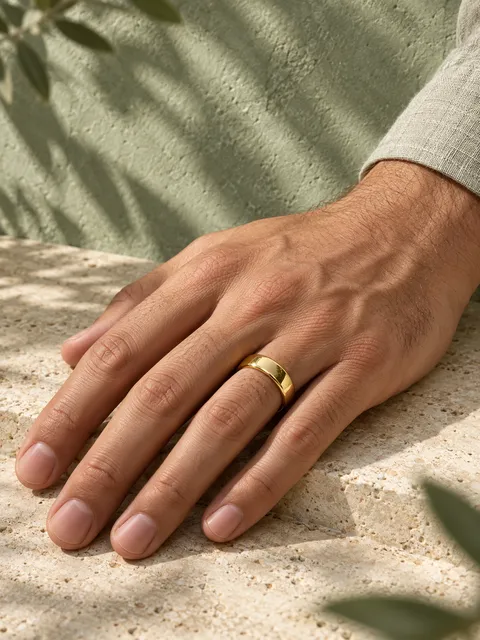 AI-generated
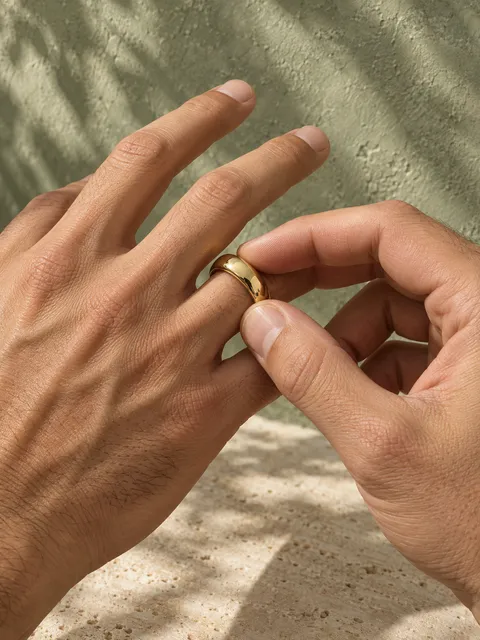 AI-generated
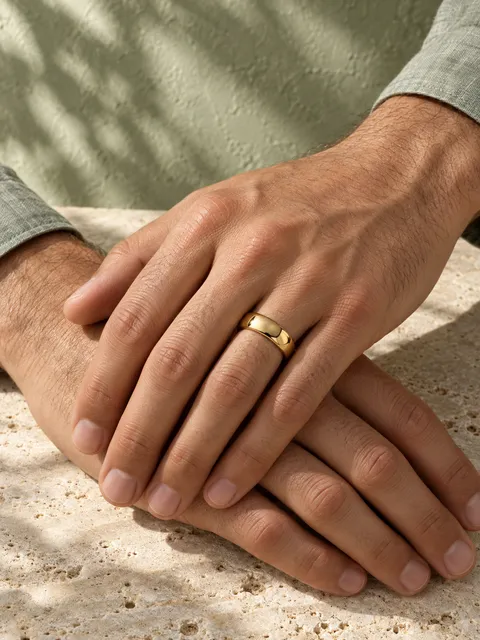 AI-generated
 AI-generated
 AI-generated
 AI-generated
A sharp front photo matters most — it’s the foundation of every shot. If you can, add another angle and a close-up of the material or texture (up to 12 angles and 6 close-ups).
JPEG, PNG, WebP or HEIC, up to 25 MB per photo.
Open Create and add your product: pick its category and upload a front photo. Then choose a look, a setting and the shots you want. The Review step shows the exact token cost before anything is charged.
Not ready with your own product? Try a demo product first.
The bar on the product page scores your brief from 0 to 100 before a single token is spent. Photos, a close-up, a short description, measurements and the category all raise it.
At 76 or more (Excellent), your shoot qualifies for a refund if a photo still misses.