Camel wool coat
Look: Sunlit Architecture
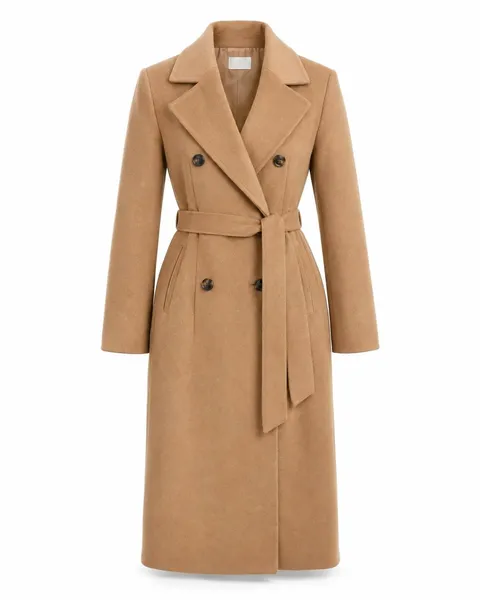
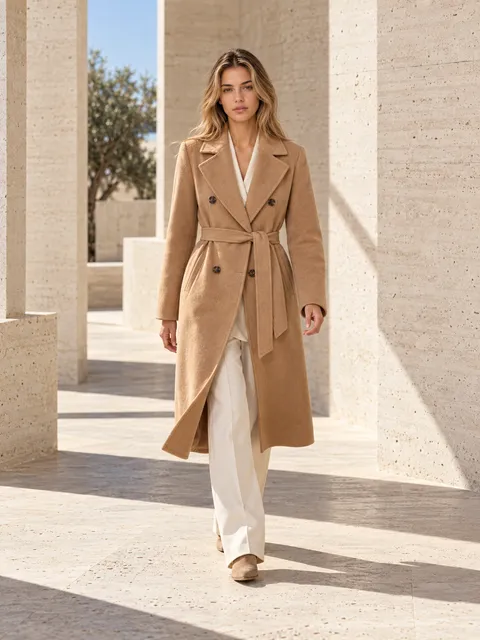 AI-generated
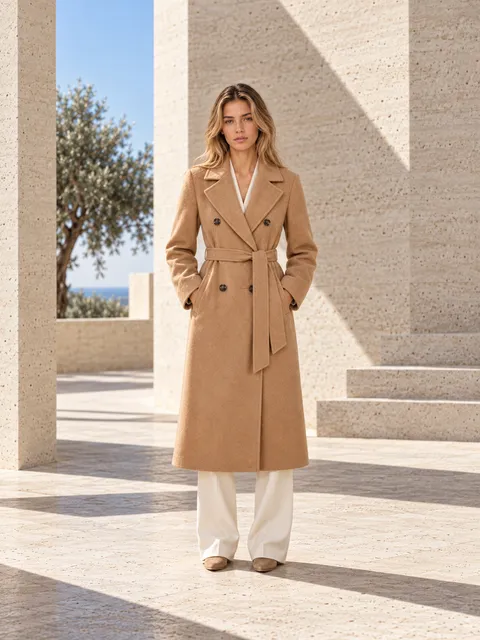 AI-generated
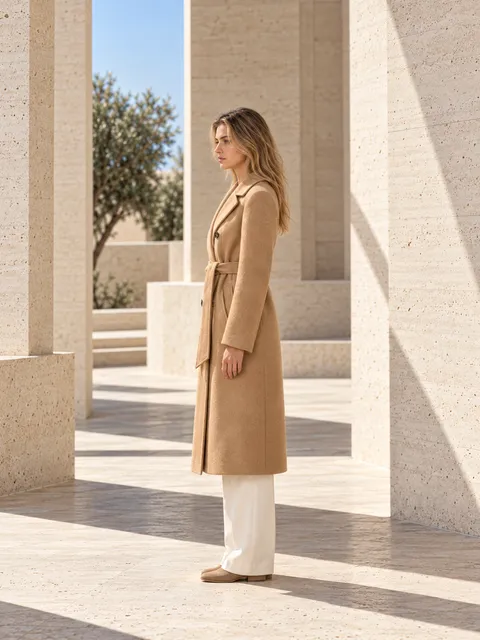 AI-generated
Same light, staging and model on every product, so your store looks like one shoot.
Look: Sunlit Architecture
AI-generatedAI-generatedAI-generatedLook: Sunlit Architecture
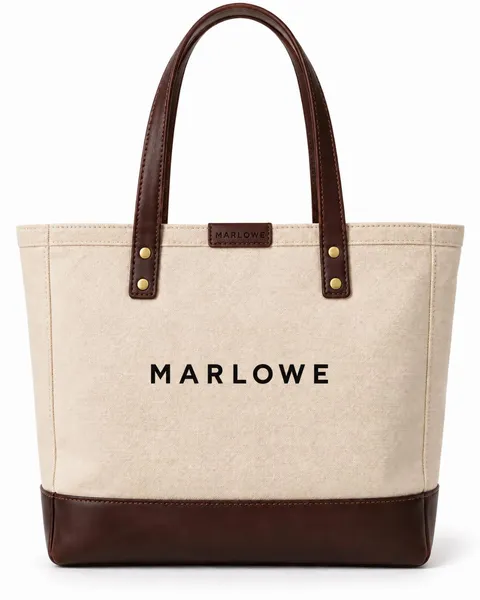
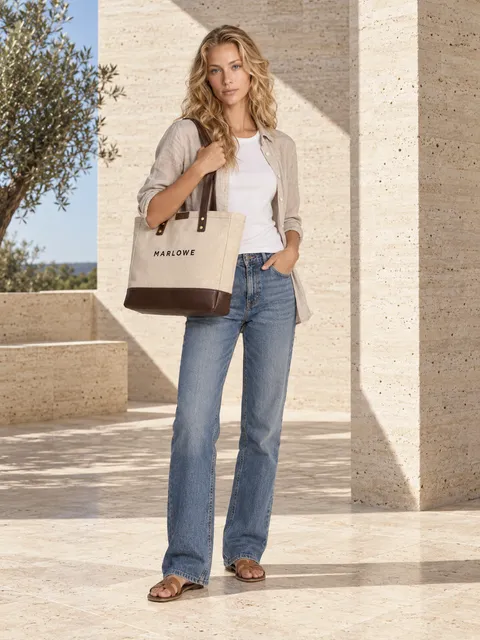 AI-generated
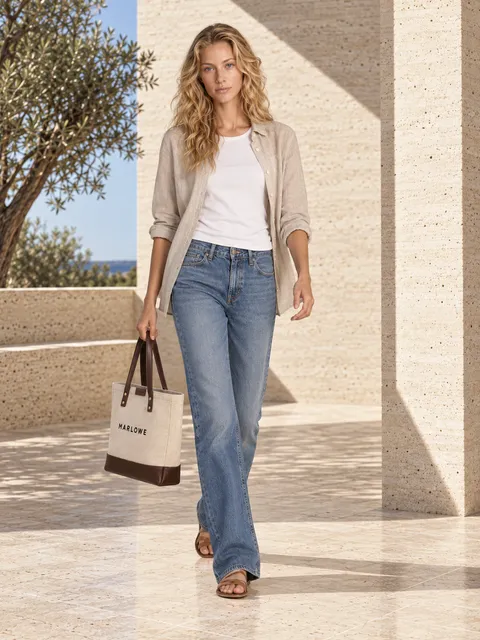 AI-generated
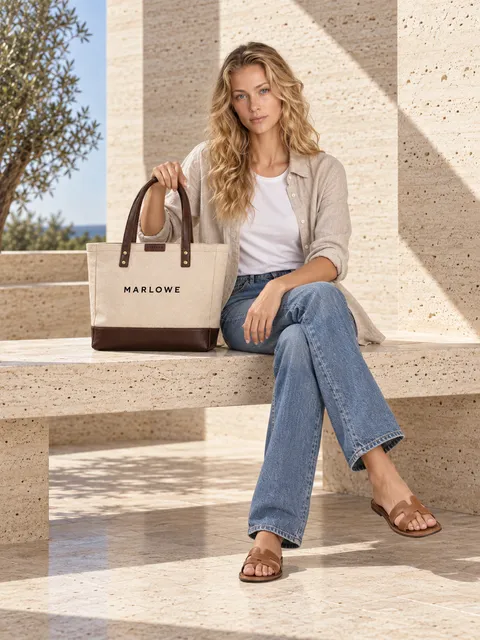 AI-generated
Look: Fresh
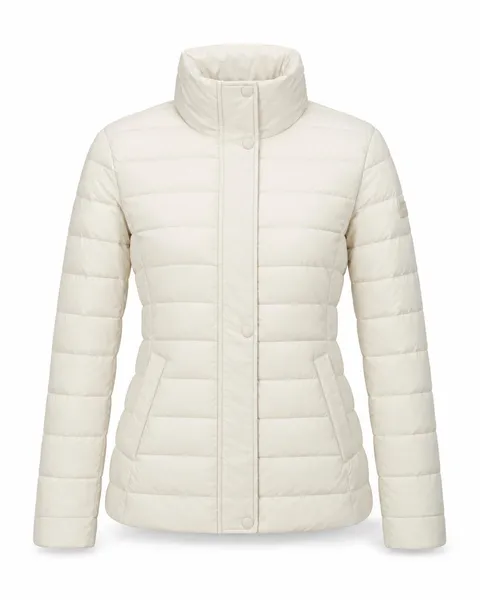
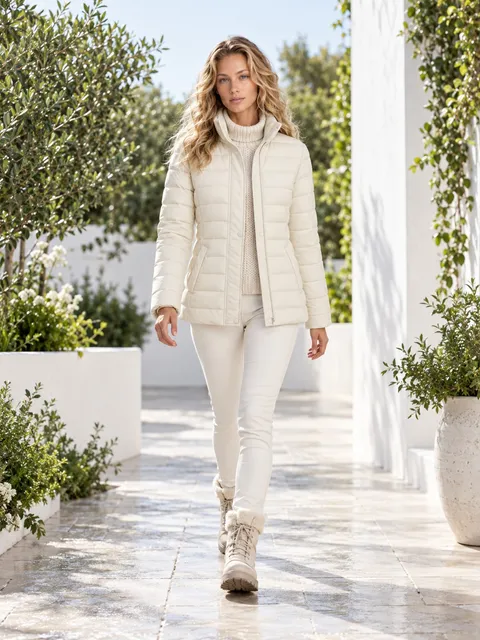 AI-generated
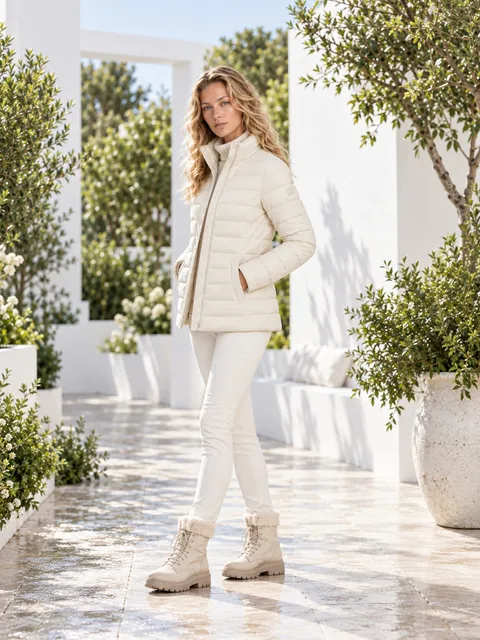 AI-generated
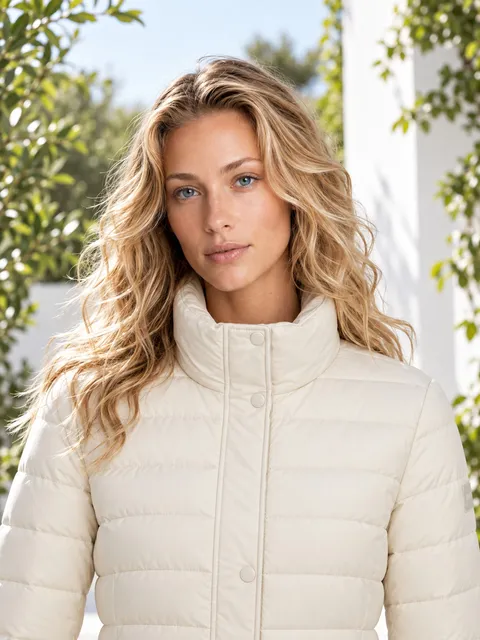 AI-generated
Look: Fresh
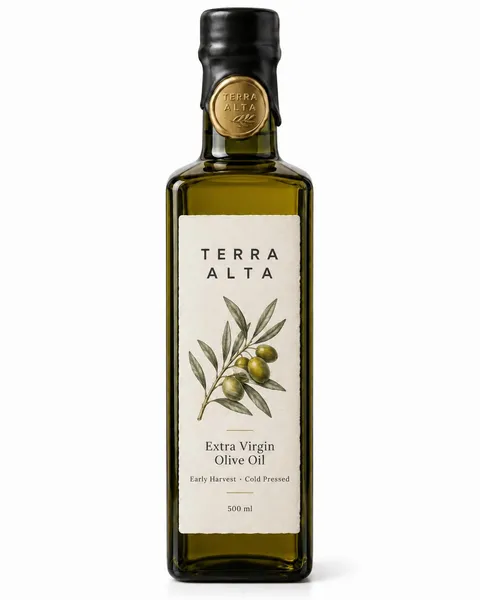
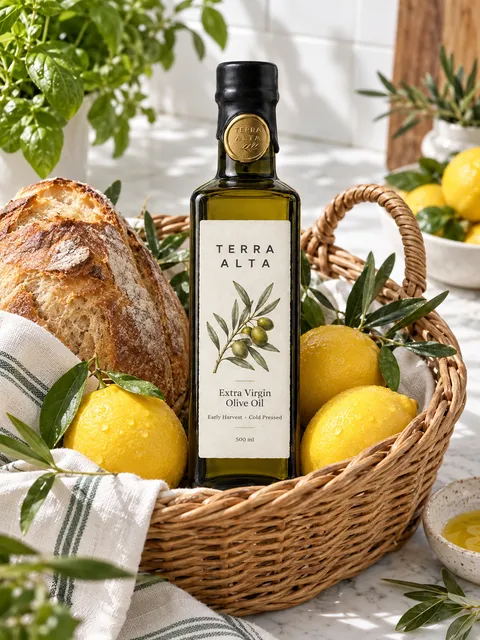 AI-generated
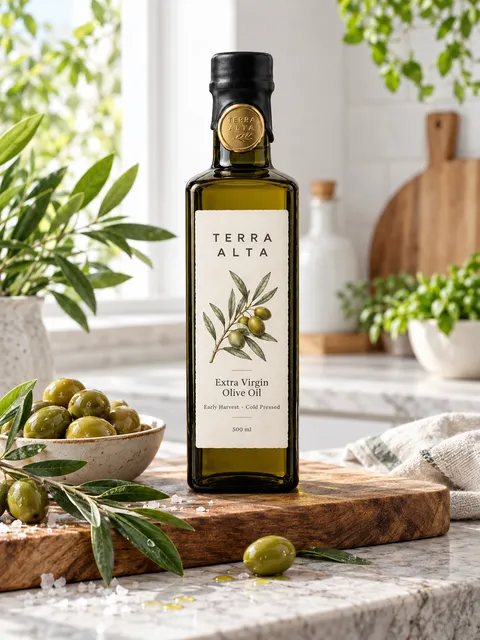 AI-generated
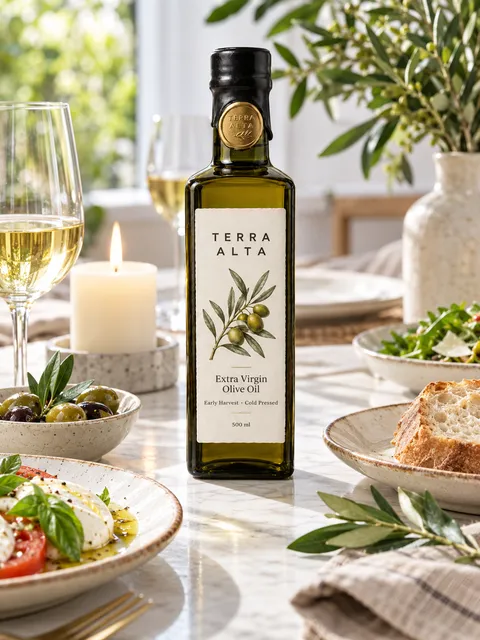 AI-generated
Everything lands in your Library, ready to shoot with your recipe.
3 free photos when you sign up. Failed photos are never charged. No subscription.
On the Review or final screen, save your setup as a recipe. Next time, start from that recipe and your new product gets the same look, setting and shots — that’s how a whole catalogue stays consistent.
Yes. Import your catalogue from a spreadsheet, a folder of photos or product links, then save a recipe so every product gets the same look.
For a very large catalogue, our team can do it for you. Price on quote: write to hello@pixostudio.ai.
Photos are made in 3:4 (1152 × 1536 px) for your website. When you download, you can also pick 1:1 for marketplaces, 4:5 for Instagram and 9:16 for Stories.
1 token = 1 finished photo. Each extra shot adds a token, and each extra product in the same photo counts again. Adding your logo to a photo costs one more token. Models, looks and settings cost nothing extra.
The Review step always shows the exact cost before you shoot.