Version française →
PIXO STUDIO FRSign inCreate now

One look for your whole Shopify store

Import your products, shoot them in one look, and download every size your store needs.
3 free photos when you sign up · No card · No subscription
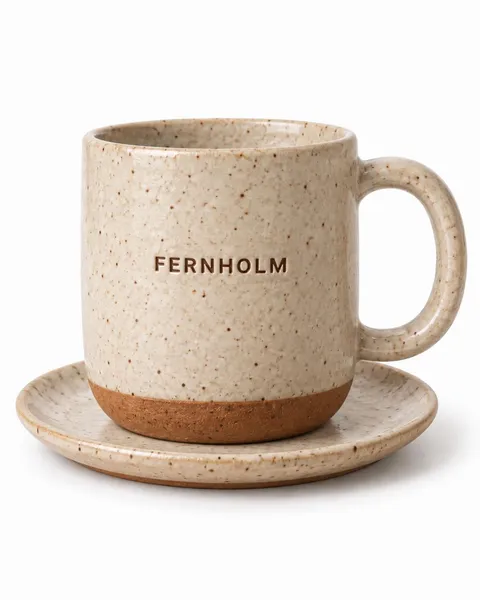
Stoneware mug, the original phone photo
Original
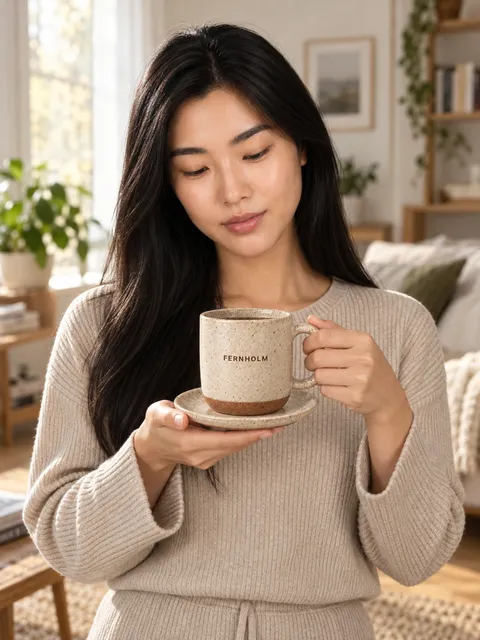
Stoneware mug — seated with it, AI photo made with Pixo StudioAI-generated
Stoneware mug — held, chest height, AI photo made with Pixo StudioAI-generated
Stoneware mug — wrapped in a throw, AI photo made with Pixo StudioAI-generated

How it fits your store

  • Import from product links or a spreadsheet. A direct Shopify connection is coming soon.
  • Save a look once and use it for every product, so the whole store matches.
  • Download every size your store needs, one photo or a ZIP of everything.
  • Every photo is marked as AI-generated (C2PA + IPTC).

Real shoots

Gold band ring

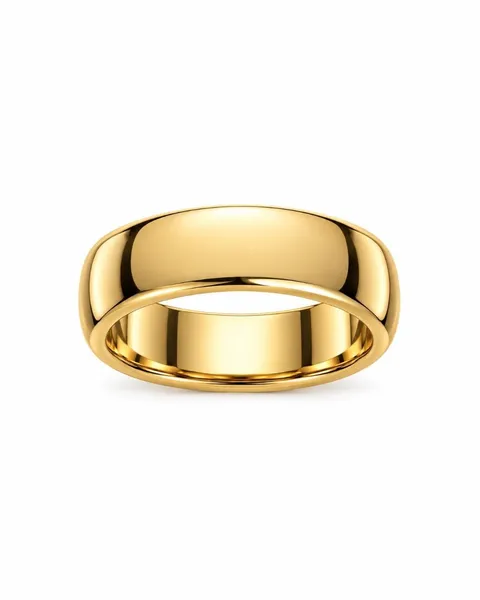
Gold band ring, the original phone photo
Original
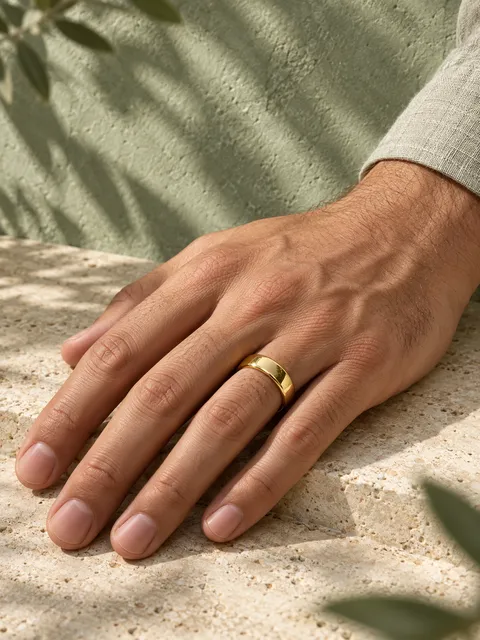
Gold band ring — hand resting flat, AI photo made with Pixo StudioAI-generated
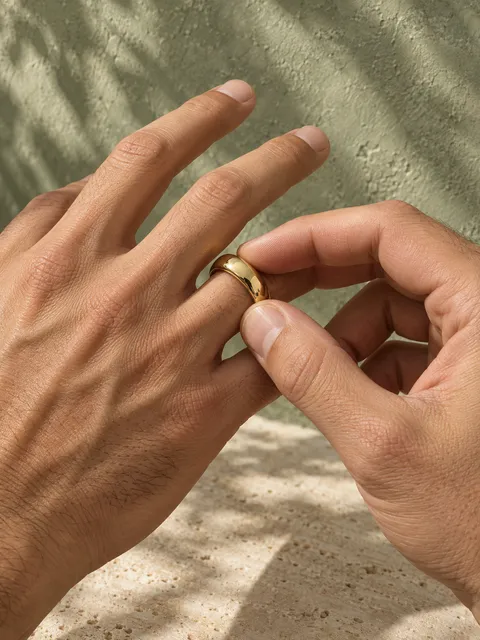
Gold band ring — sliding it on, AI photo made with Pixo StudioAI-generated
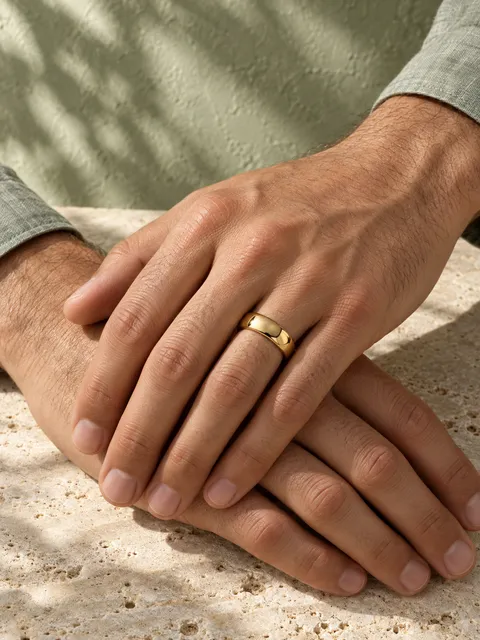
Gold band ring — one hand over the other, AI photo made with Pixo StudioAI-generated

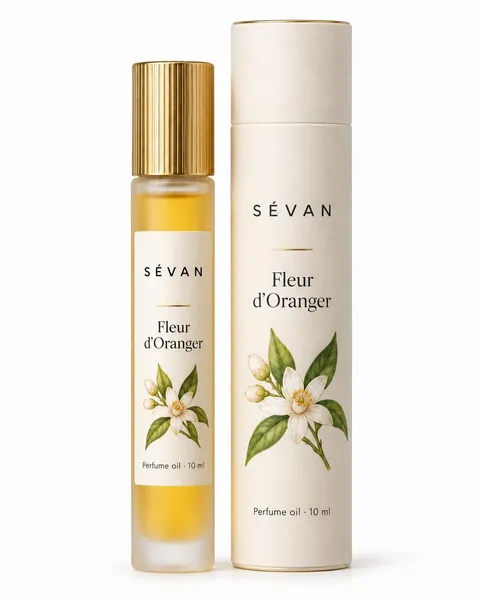
Perfume oil rollerball

Perfume oil rollerball, the original phone photo
Original
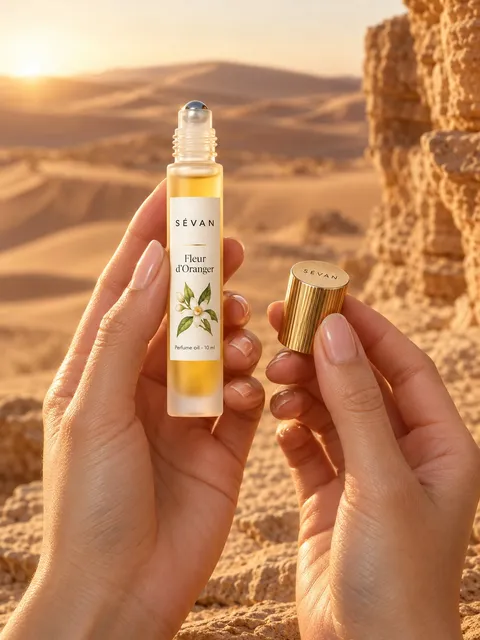
Perfume oil rollerball — held up in both hands, AI photo made with Pixo StudioAI-generated
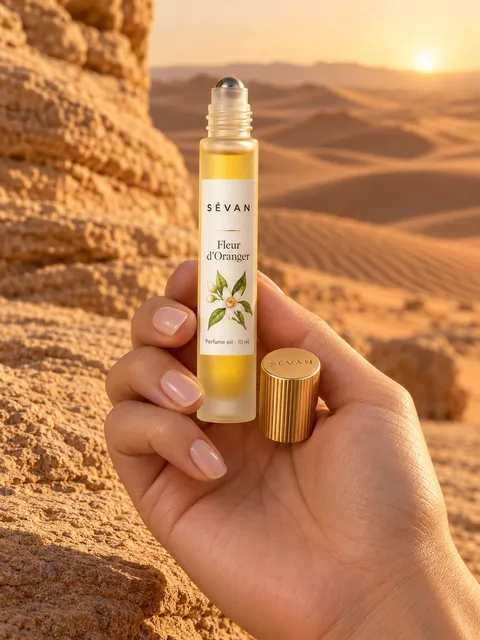
Perfume oil rollerball — resting in the palm, AI photo made with Pixo StudioAI-generated
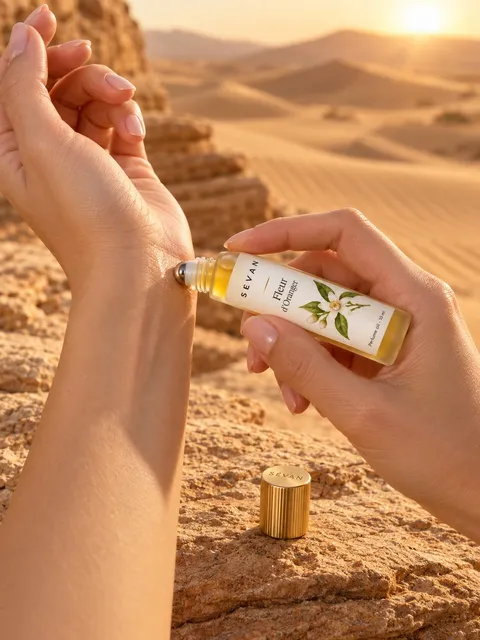
Perfume oil rollerball — spraying the wrist, AI photo made with Pixo StudioAI-generated
How it works

Three steps. Pixo does the hard part.

  1. 01

    Add your product

    Upload, import or use your phone.

  2. 02

    Pixo plans the shoot

    Pixo picks it all. Change anything.

  3. 03

    Ready to sell

    Ready for your store, ads and socials.

One token = one finished photo

3 free photos when you sign up. Failed photos are never charged. No subscription.

Pricing in detail →

FAQ

Which sizes can I download?

Photos are made in 3:4 (1152 × 1536 px) for your website. When you download, you can also pick 1:1 for marketplaces, 4:5 for Instagram and 9:16 for Stories.

I have hundreds of products. Can Pixo handle that?

Yes. Import your catalogue from a spreadsheet, a folder of photos or product links, then save a recipe so every product gets the same look.

For a very large catalogue, our team can do it for you. Price on quote: write to hello@pixostudio.ai.

Who owns the photos I make? Can I sell with them?

You may use the photos you make for any lawful purpose, including your shop, ads and social posts. Your own uploads stay yours.

AI images may not be protected by copyright everywhere, and similar images can be made for other users, so they aren’t exclusive to you.

How do I download my photos?

On the final screen, download your favourites or every photo at once; in the Library, use Download all. You get a ZIP of high-quality JPEGs with no watermark. Each file notes in its metadata that it was made with AI.

Your next product shoot starts with one photo.

3 free photos when you sign up · No card · No subscription