Olive oil
Look: Fresh
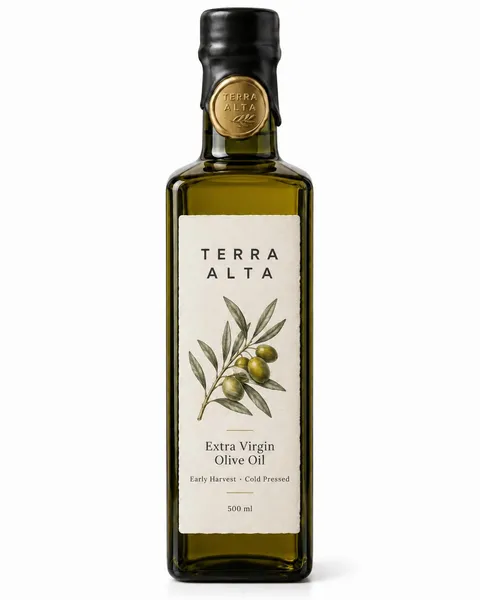
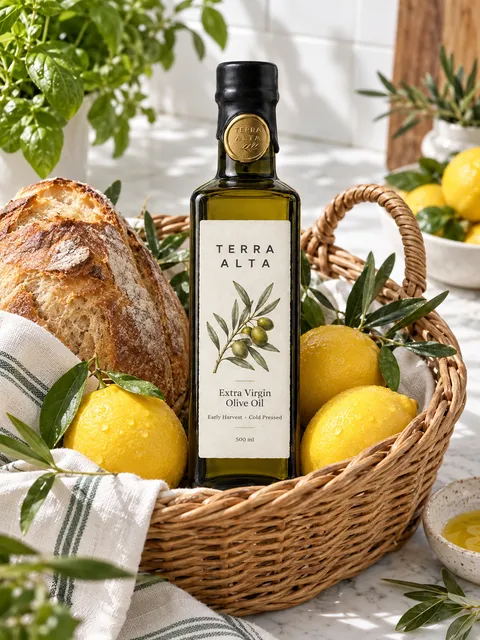 AI-generated
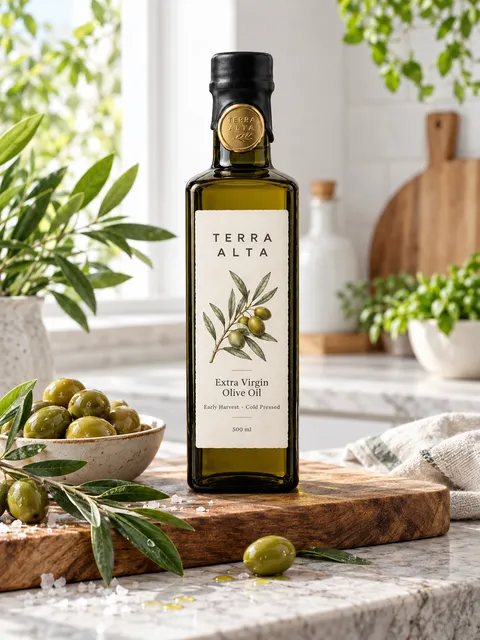 AI-generated
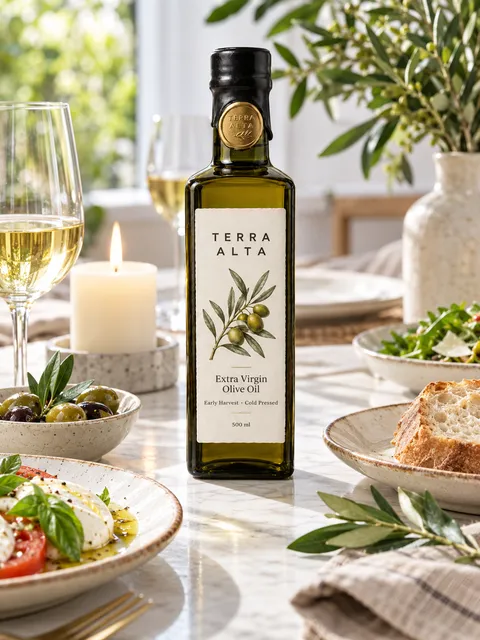 AI-generated
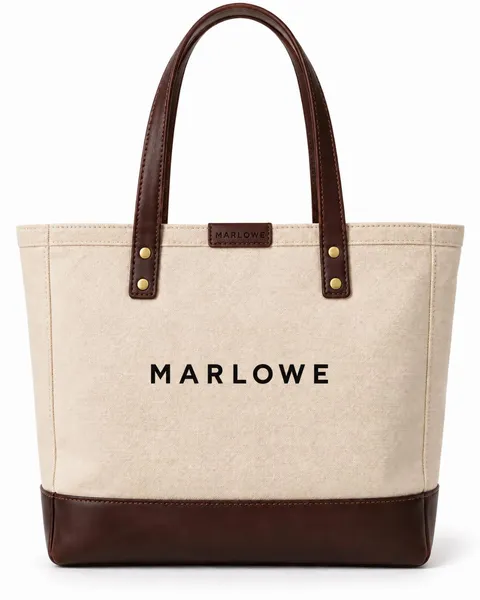
A real-looking scene from one product photo: a kitchen counter, a café table, sunlight. No location, no crew.
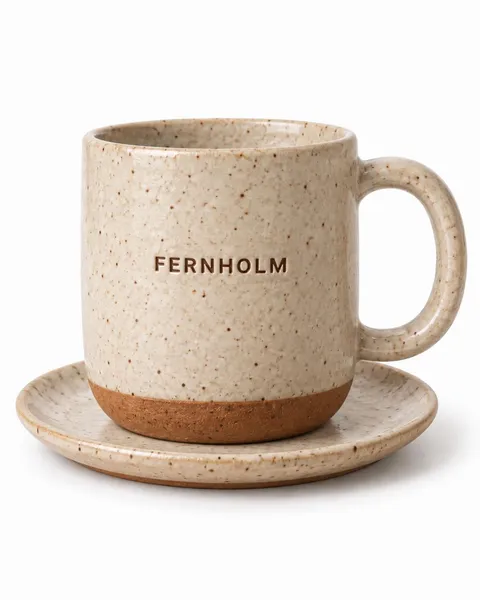
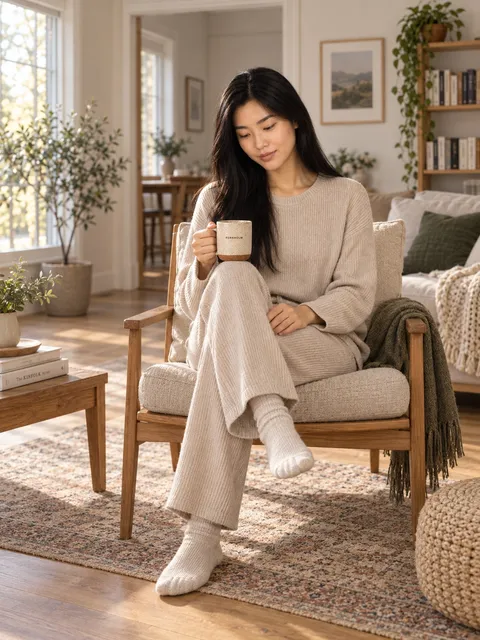 AI-generated
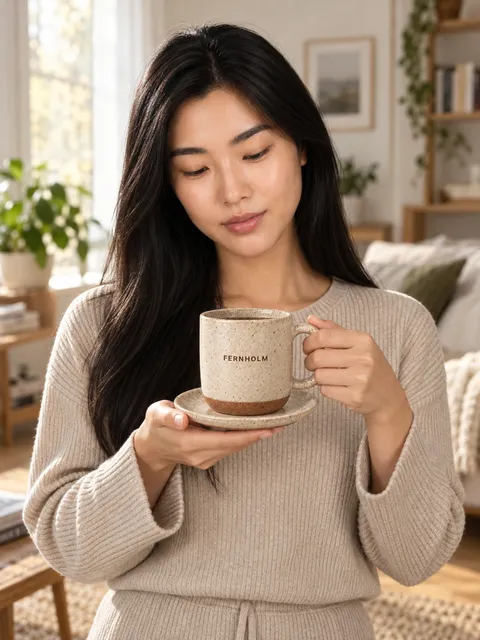 AI-generated
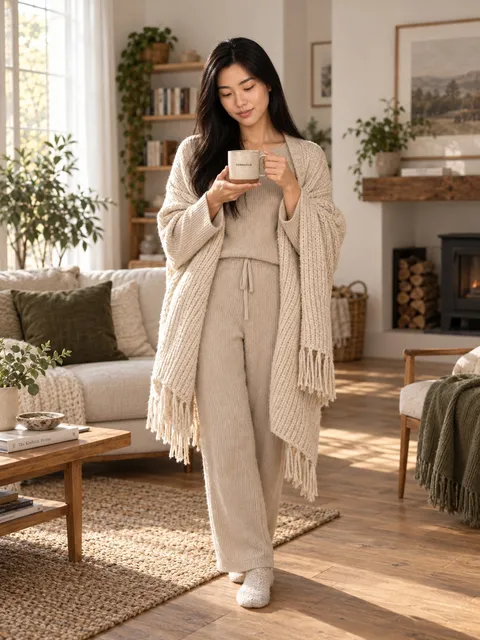 AI-generated
Look: Fresh
AI-generatedAI-generatedAI-generatedLook: Sunlit Architecture
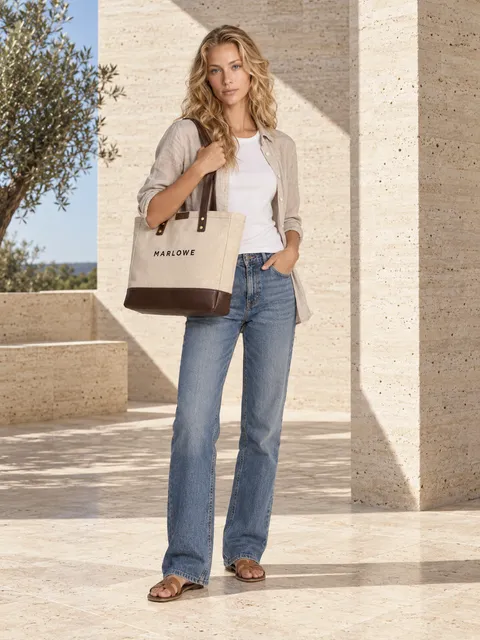 AI-generated
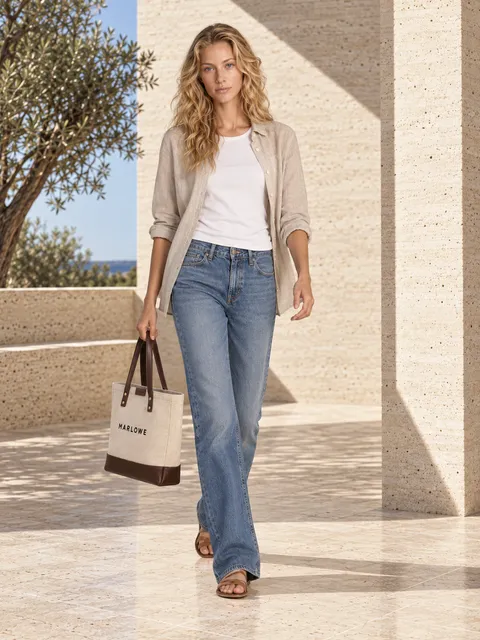 AI-generated
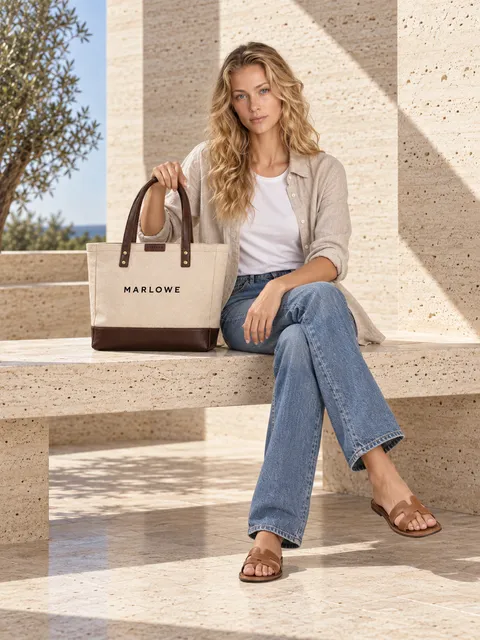 AI-generated
Look: Botanical Shadow
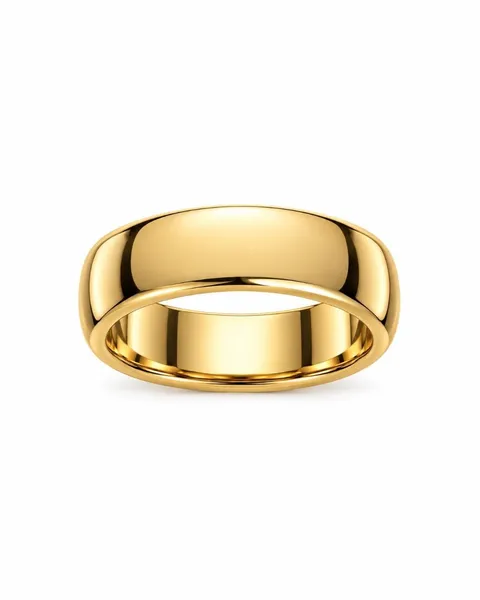
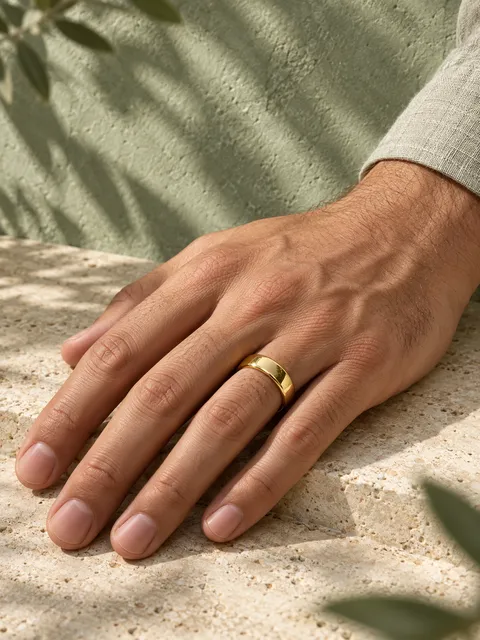 AI-generated
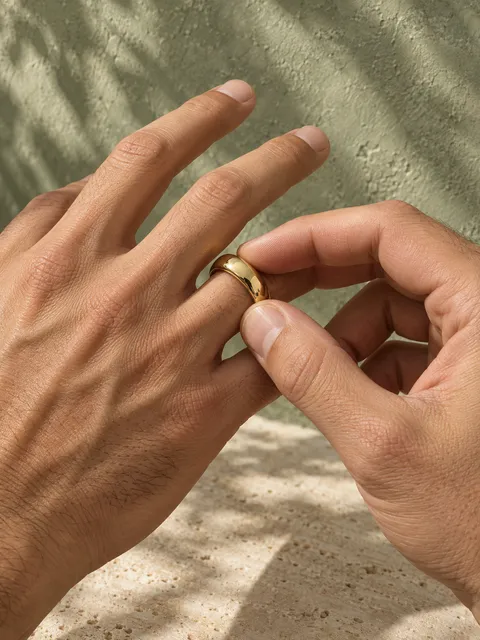 AI-generated
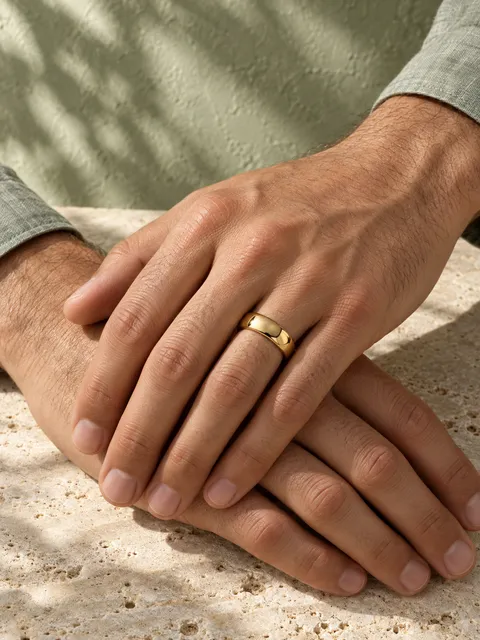 AI-generated
Look: Desert Light
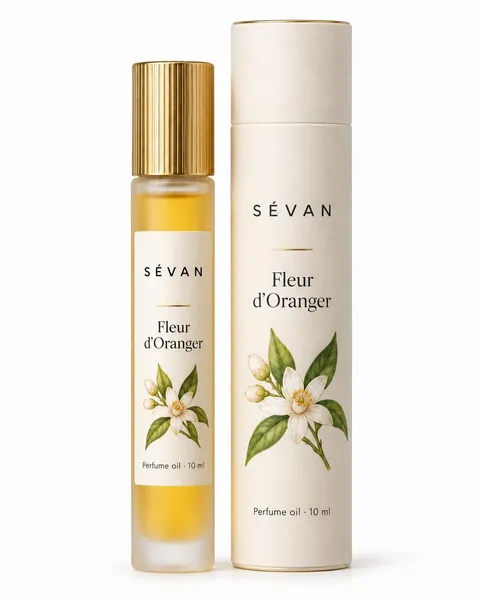
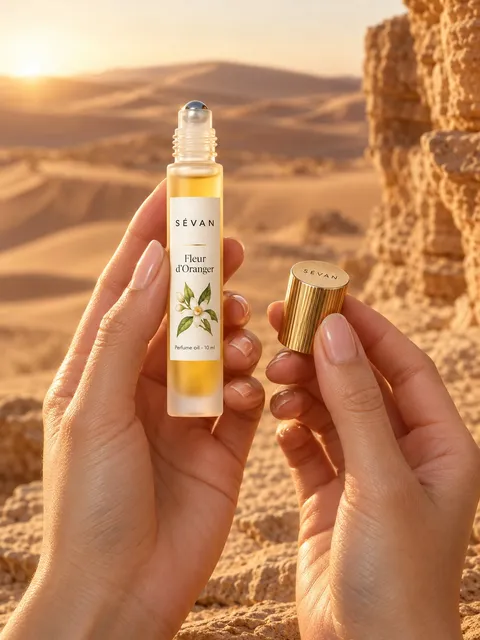 AI-generated
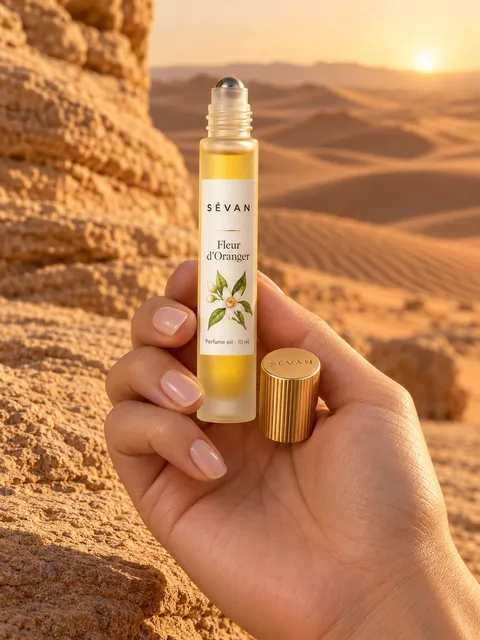 AI-generated
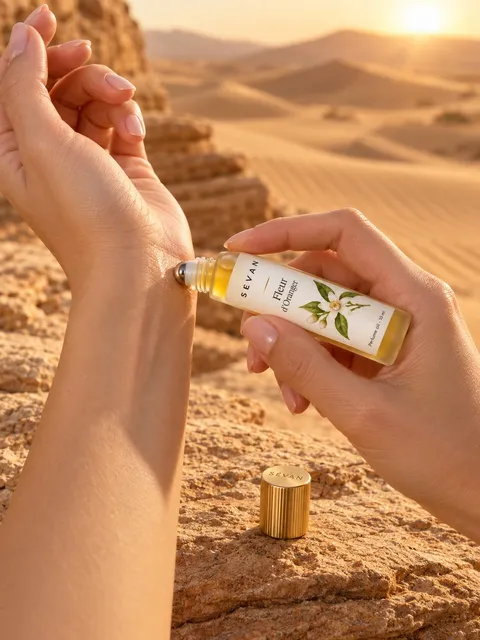 AI-generated
Studio, rooms, outdoor, colour, seasonal and dark looks. The “In season” tag marks this month’s looks. Or upload your own background.
Upload, import or use your phone.
Pixo picks it all. Change anything.
Ready for your store, ads and socials.
Yes. In the look step, upload a photo and choose “Exactly as it is” (your product goes into that scene) or “Just the vibe” (a new set with the same light and feel). Use a JPG, PNG or WEBP of at least 1000 px, with no people or other products in it.
A setup you choose once: look, setting and shots. Every photo from it shares the same light and style, so the whole set looks consistent.
Photos are made in 3:4 (1152 × 1536 px) for your website. When you download, you can also pick 1:1 for marketplaces, 4:5 for Instagram and 9:16 for Stories.
1 token = 1 finished photo. Each extra shot adds a token, and each extra product in the same photo counts again. Adding your logo to a photo costs one more token. Models, looks and settings cost nothing extra.
The Review step always shows the exact cost before you shoot.